Setting up the monitor | 35
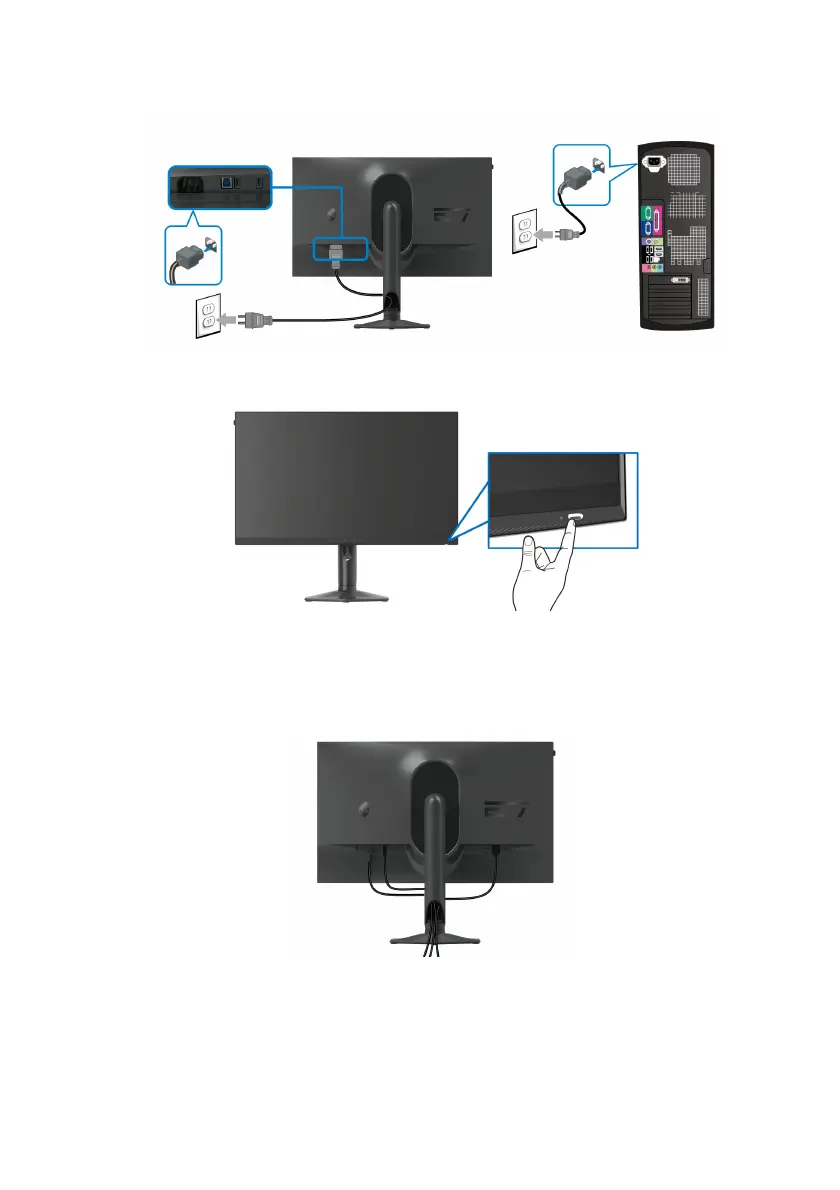
5. Connect the power cables of your computer and monitor into a wall outlet.
6. Tur
n on the monitor and the computer.
If your monitor displays an image, installation is complete. If it does not
display an image, see Common problems.
Organizing your cables
When connecting the necessary cables (for more information, see Connecting
your monitor), route the cables through
the cable-management slot.















 To Next Page