Operating the monitor | 45
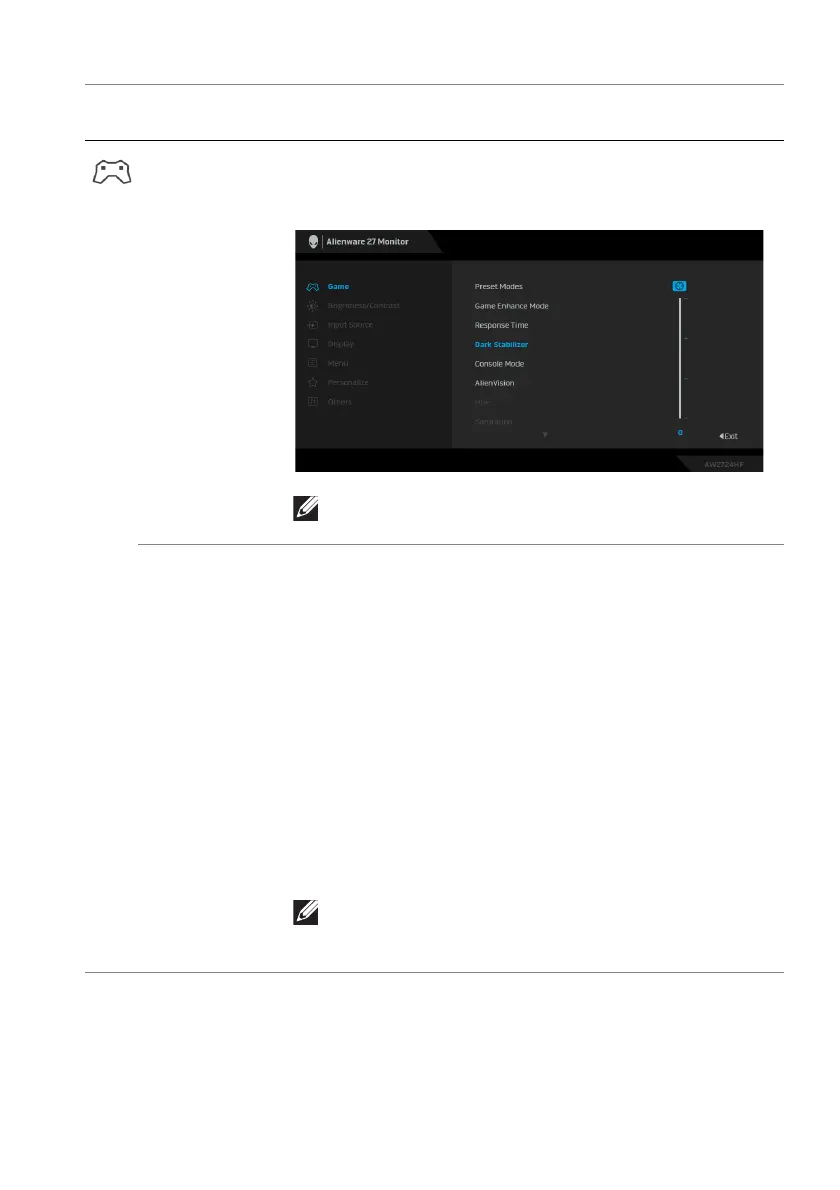
Dark Stabilizer The feature improves the visibi
lity in the dark gaming
scenarios. The higher the value (between 0 to 3), the
better visibility in dark area of the display image.
NOTE: The feature is disabled when Smart HDR is
activated and HDR content is displayed.
Console Mode Adjusts Console Mode to On/Off, Color, Gamma, or
Source Tone Map. Activating the feat
ure gives the best
gaming experience when playing console games. For
more information, see Console mode (HDMI only).
• On/Of
f: Select to disable the functions under
Console Mode.
• Color:
RGB default 100, and this mode can adjust
RGB from 0 - 100.
• Gamma: Gamma default
is at center 2.2. Selecting
this feature enables you to manually adjust Gamma
from 1.8 - 2.6.
• Source Tone
Map: Select to allow the HDR content
to be tone mapped by the source device.
NOTE: Console Mode is only for HDMI. Preset
modes are not available when Console Mode is
turned “On”.
Icon Menu and
submenu
Description















 To Next Page