54 | Operating the monitor
AlienVision ▲
Key
You can define the joystick movements for Al
ienVision
preset modes; therefore, when you move the joystick at
any specified direction, a particular AlienVision mode
will be activated. If you select Toggle Preset, you can
toggle through the modes specified in AlienVision
Toggle List and the Off option.
By factory default, the A
lienVision ▼ Key is enabled
and set to Toggle Preset.
AlienVision ▼
Key
AlienVision ◀
Key
AlienVision
▶
Key
Power Button
LED
Allows you to set the state of the power light to save
en
ergy.
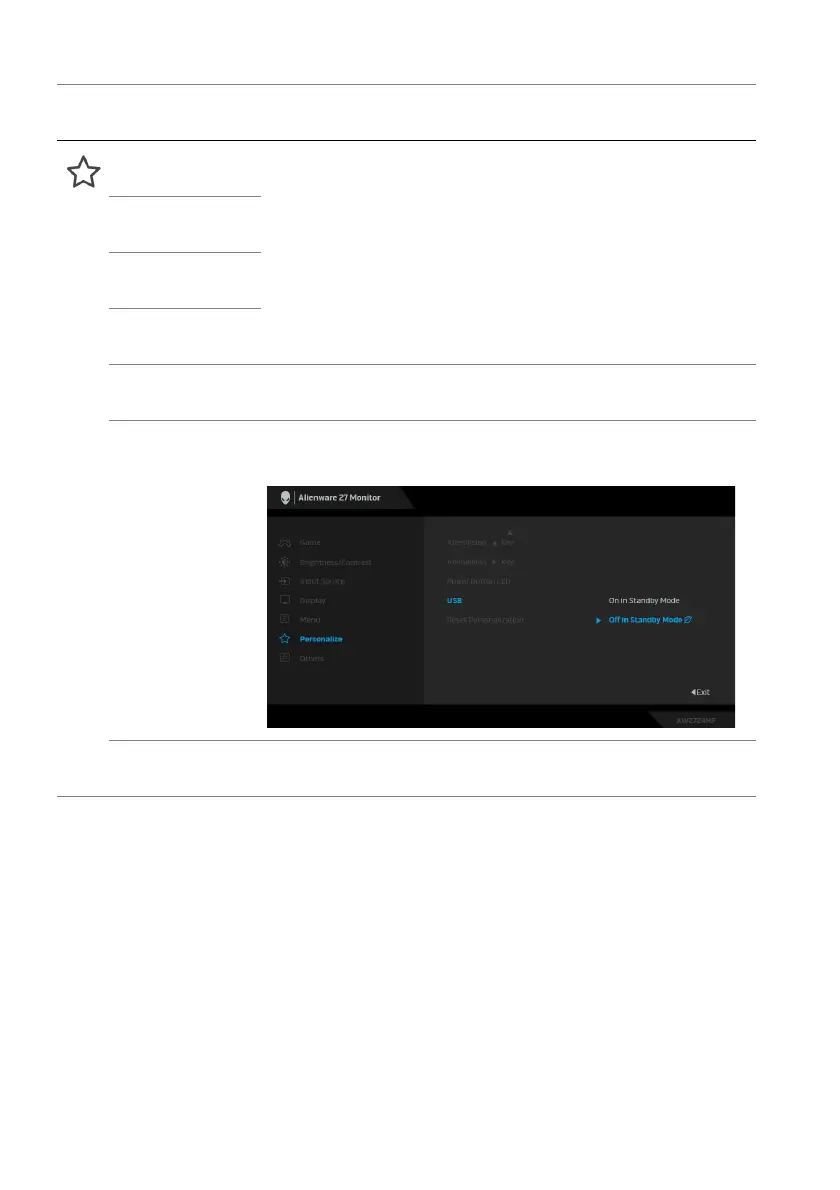
USB Allows you to enable or disable USB function during
monitor standby
mode.
Reset
Personalization
Resets all settings under the Personalize menu to the
factory defaults.
Icon Menu and
submenu
De
scription















 To Next Page