EasyManua.ls Logo

Allflex LPR - Battery Management and Indicators; Understanding Battery Level Indicators; USB Connection Impact on Battery

Allflex LPR
32 pages
Print Icon
To Next Page IconTo Next Page
To Previous Page IconTo Previous Page
Loading...
9
ENGLISH
Note 4 Once the USB cable is connected, the
reader is automatically powered on and it will
remain activated until the cable is
disconnected.
Note 5 The USB connection recharges your
battery pack (refer to battery management
section).
Note 6 Replace the protective cap on USB port
to protect your reader against foreign
contamination and water.
Battery Management
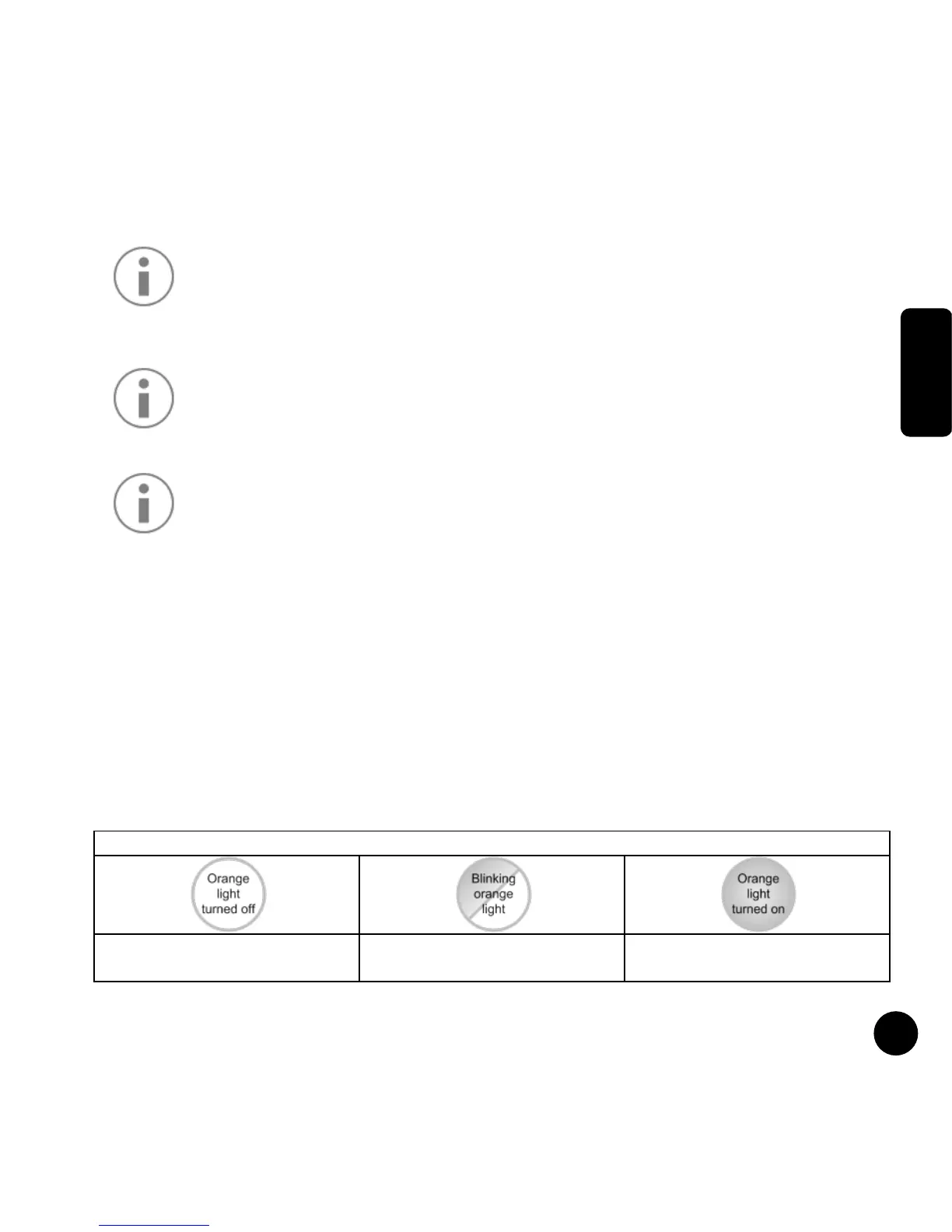
Battery level indicator
The reader has an orange light indicating the battery
level or the charge status when a USB charger
powered the device.
Battery level indicator
Battery OK
Battery level getting low
Battery depleted
Charge necessary

Related product manuals