Allflex NX Series Operational Manual
Page 11 of 14
6.1 Bluetooth
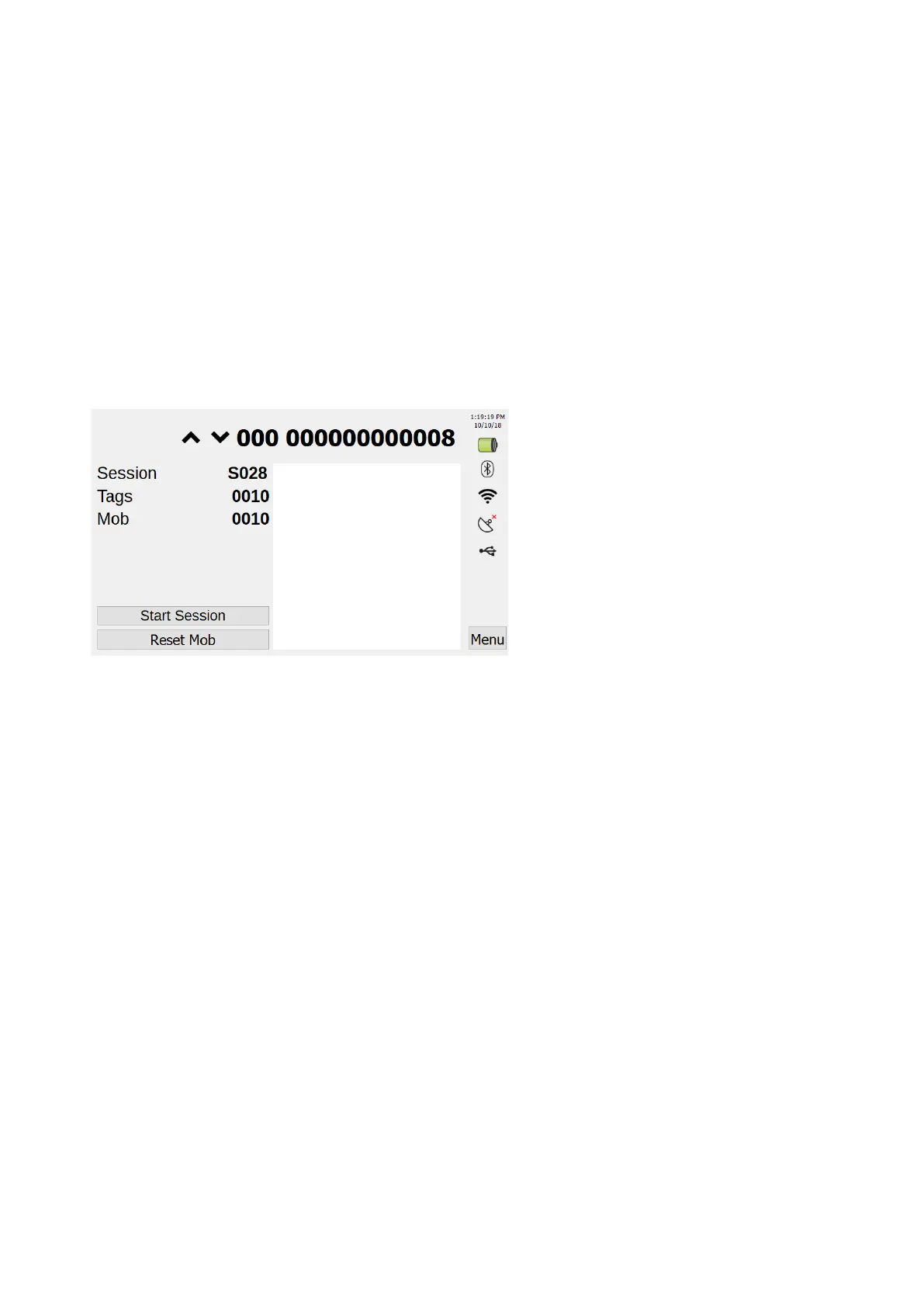
If Bluetooth is enabled, you can access it's settings through the home screen by pressing the
Bluetooth Icon on the right side of the screen. If disabled, you will need to access Bluetooth settings
through the menu. Menu --> System Setup --> Comms --> Bluetooth. Once in Bluetooth settings
press "Enable" top right of the screen.
6.2 Wi-Fi
If Wi-Fi is enabled, you can access it's settings through the home screen by pressing the Wi-Fi Icon
on the right side of the screen. If disabled, you will need to access Wi-Fi settings through the menu.
Menu --> System Setup --> Comms --> Wifi. Once in Wi-Fi settings press "Enable" top right of the
screen.



 To Next Page