Comfort Sync™ 7-Day Programmable Communicating Thermostat
Page 23
COMPLETE REGISTRATION (from home computer)
1. Log in to your email account and retrieve the registration email sent by
the Comfort Synctserver. The email will include this message:
Dear Customer,
Congratulations on your purchase of a Allied Comfort Synct
thermostat! You are only a few steps away from total control of your
Allied Comfort Synctsystem. Registering your thermostat will allow
you to remotely access it from anywhere in the world on any device
with an Internet connection. Please complete your Allied Comfort
Synct registration by clicking the link below:
Register
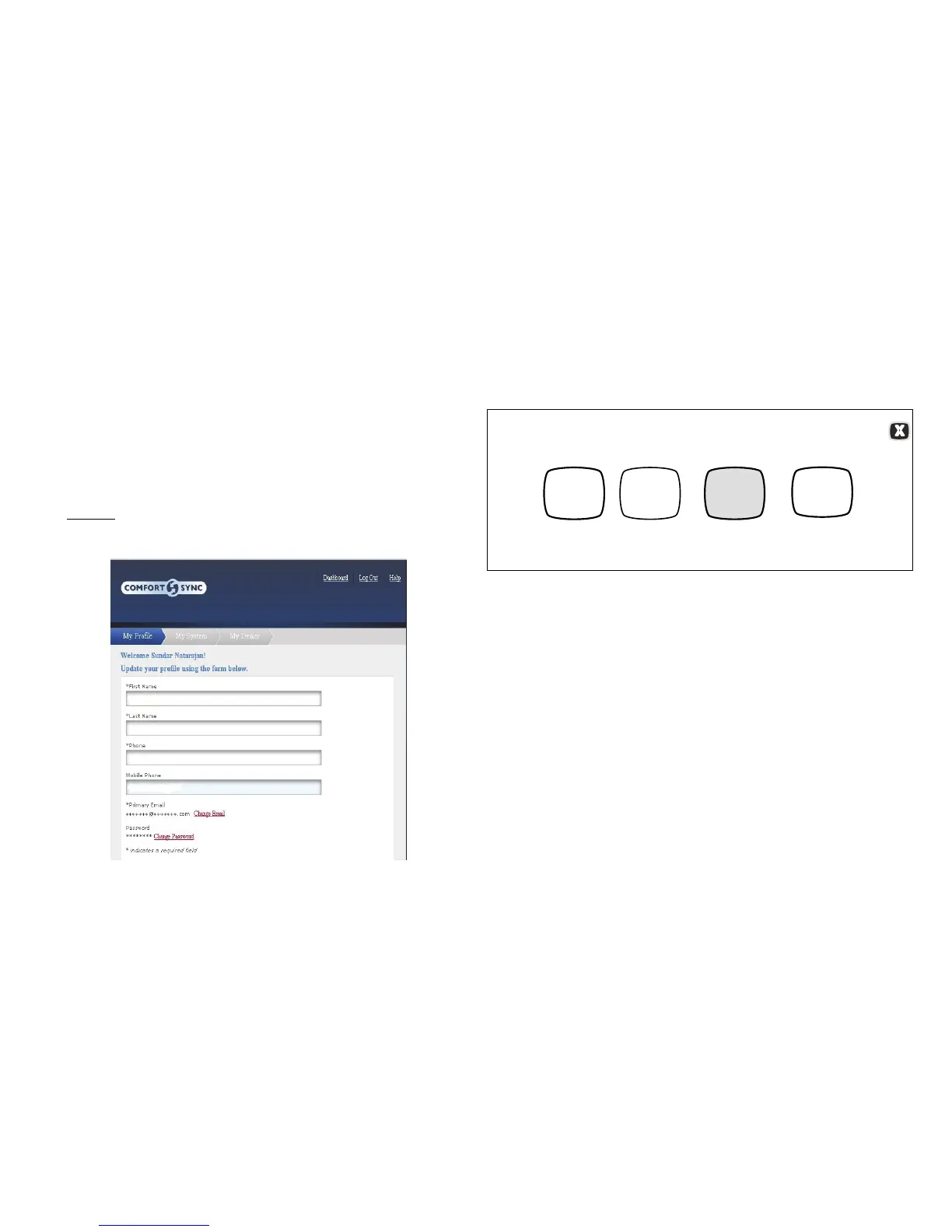
2. The email includes a network link. Follow the link and complete the
registration and account creation steps.
Figure 37. Registration Screen
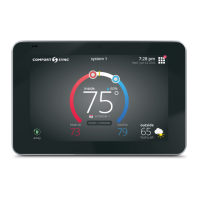
3. After registration has been completed, touch the Firmware update
button to toggle the option to auto. If any firmware updates are
available they will immediately start downloading to the thermostat.
NOTE - Firmware updates will not affect installer or user thermostat settings.
Both will be retained after the update.
WI-FI SETTINGS
connected
Wi-Fi
enabled
press to change
network settings
press to enable /
disable Wi-Fi
press to change
thermostat
registration
DS9
Firmware
update
auto
press to
toggle
off / auto
thermostat
registered
Figure 38. Registration for Online Access


 To Next Page