507176-01
Page 24
Using the Secure Web Portal
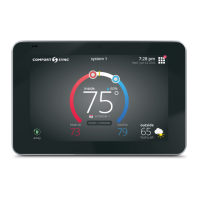
Access all the great Wi-Fi enabled features on your Comfort Sync™
thermostat from our secure web portal.
www.mycomfortsync.com
After signing in, you’ll be able to view your Comfort Sync™ system settings,
adjust the temperature and view reminders and alerts – just as you would on
your Comfort Sync™ thermostat at home. With a familiar look and settings
this simple, you should feel right at home. Don’t forget to check out the
available Apps.
From the web portal welcome page, you may also click on links to launch an
interactive demo or learn more about Comfort Sync™.
Screen-Saver
HOW DO I TURN ON SCREEN-SAVER
1. From the thermostat Home screen, press .
2. Press the display setting button.
3. Press the screen saver button.
When set to off, the screen stays on.
When set to on, after 30 seconds of inactivity the screen will go
blank


 To Previous Page