SHANGHAI ALLYNAV TECHNOLOGY CO., LTD.
Address: Room 201, Building 1, No,99, Lane 215, Gaoguang Road, QingPu District, Shanghai,
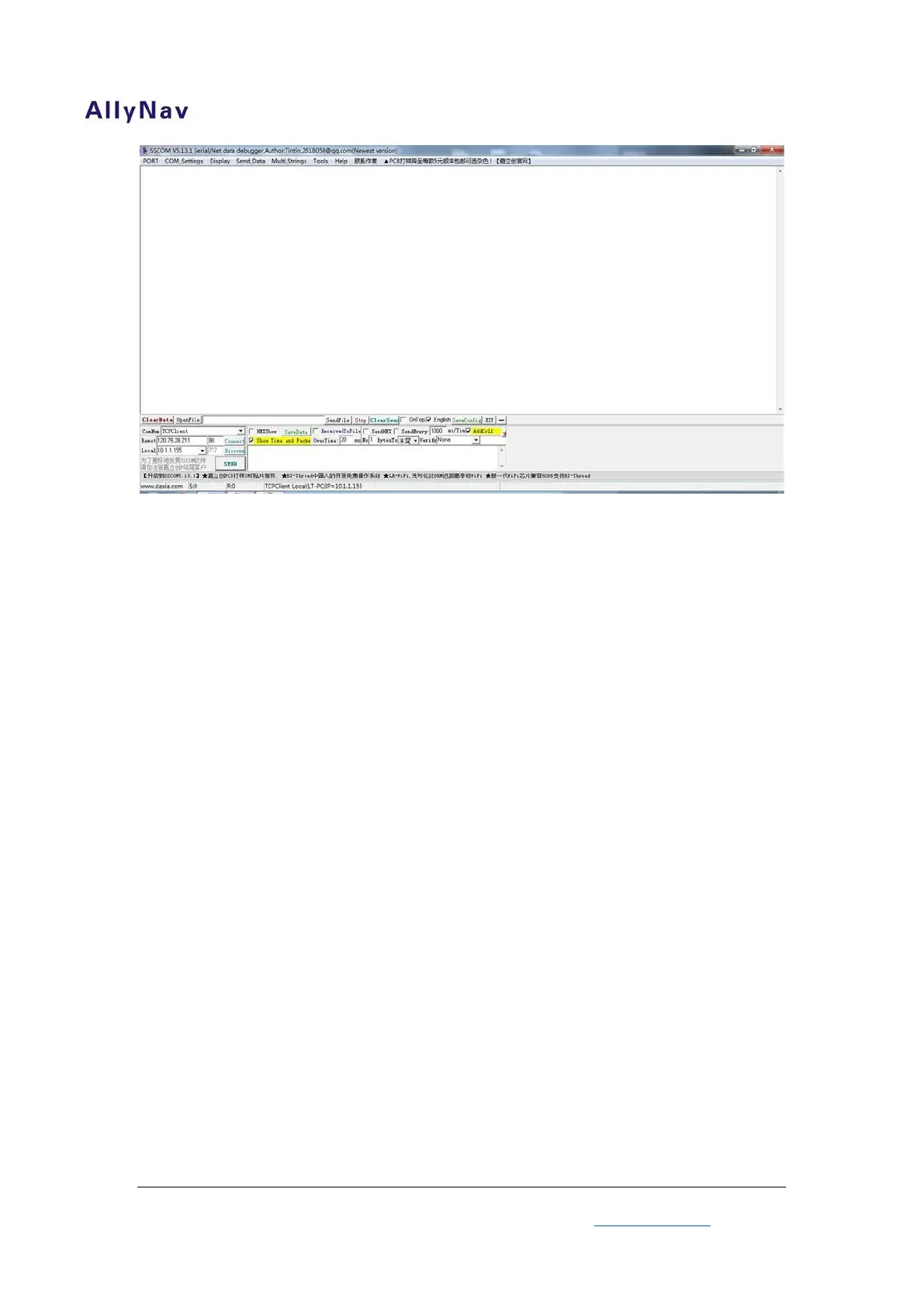
Figure 4 Configuration Software
Figure4 is R30 configuration interface. All configuration of R30 will be
done at here.
7
Almost all software operations have showing on figure 5. Blue zone
includes communication port, Baud rate, “OpenCom” button and “Send”
button between software and R30. Red zone must be chosen; it could be
double check after operation software. Before configurate the R30 device,
we should choose right Com Number which match with USB-Serial Port
Converter, then choose baud rate (38400 in normally), click “OpenCom”


 To Next Page