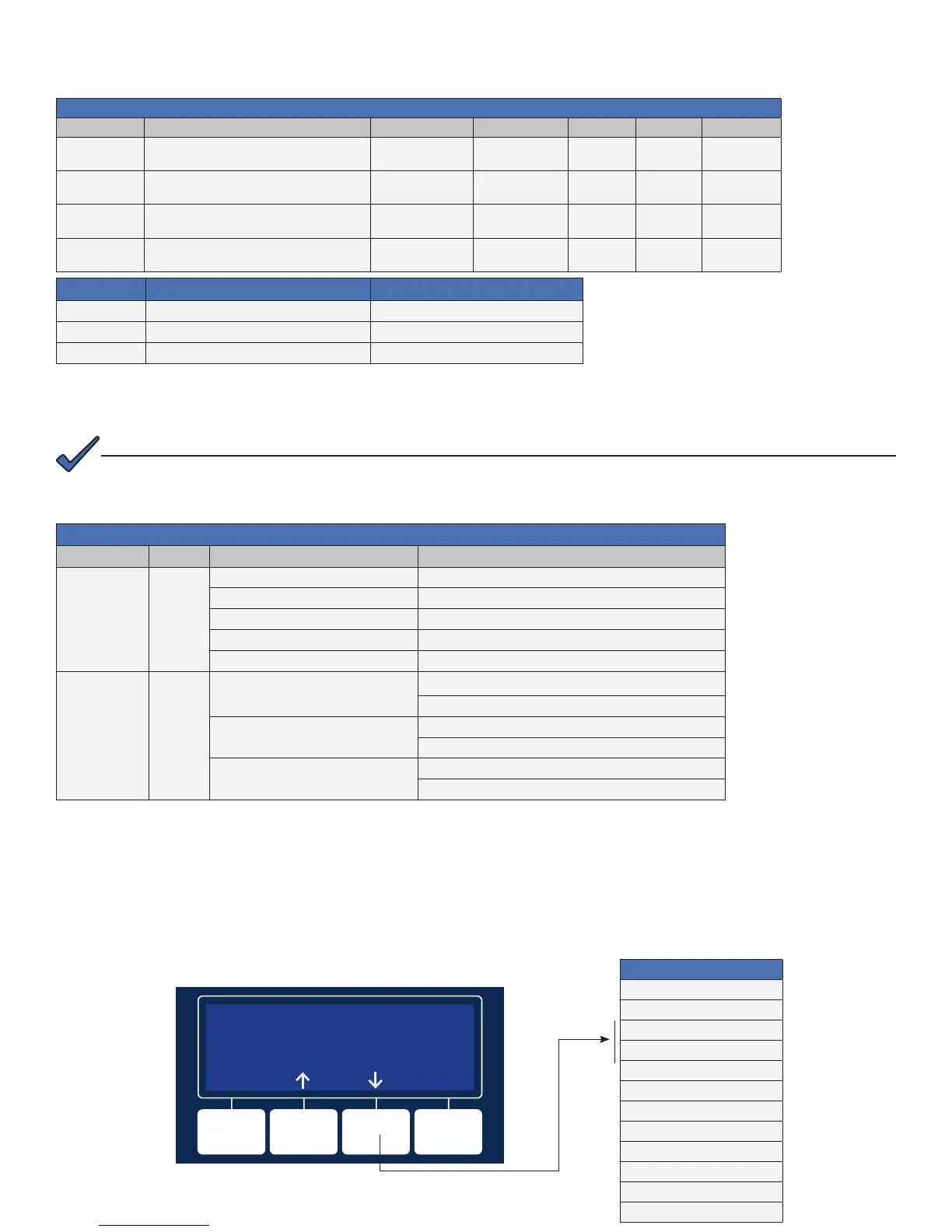
5.1 Verify Alpha DOCSIS Transponder operation as indicated below:
LEDs and Indications
Step Communications State ALM/RDY DS REG RF COM
1
Transponder Initializing/Searching for
Downstream DOCSIS channel
Flashing (Green) Flashing OFF OFF Flashing
2
DOCSIS Channel locked - Completing
upstream and network registration
Flashing (Green) ON Flashing
ON
(GREEN)
Flashing
3
Online - Registration Complete Flashing (Green) ON ON
ON
(GREEN)
Flashing
4
Alpha DOCSIS Transponder fully
functional
Flashing (Green) ON ON
ON
(GREEN)
Bursts
* Blue RF LED indicates Rx/Tx Power at a warning level. Make the necessary RF level adjustments.
* Red RF LED indicates Rx/Tx Power at an alert level. Make the necessary RF level adjustments.
LED Color Rx Range (dBmV) Tx Range (dBmV)
Green +10 to -10 0 to +50
* Blue +15 to +10 and -10 to -15 +50 to +55
* Red >+15 and <-15 >+55
5. Alpha DOCSIS Transponder and Smart Alphaguard LED's
5.2 Verify Smart AlphaGuard operation as indicated below:
LED State and Indications
LED Name Color State Indication
Active Green
Off No power to SAG
Solid Unit is on and communicating with power supply or in Rest mode
Flash (90% on / 10% off) Unit is on and operational
Flash (50% on / 50% off) Actively balancing
Flash (10% on / 90% off) Powersave mode
STRG A STRG B
STRG C STRG D
(ALARMS)
Red
Off
Normal operation
No string wires connected
Flash (50% on / 50% off (Minor Alarm)
High delta mean
Check battery alarm
Solid (Major Alarm)
String A missing
String miswired
COMM-GENERAL
Verify Alpha DOCSIS Transponder communication parameters such as IP Address, RF Power Levels and Signal/
Noise Ratio on the COMM menu of the XM3 Smart Display. Press Enter <ENTR> to open the COMM-GENERAL
Menu enabling the operator to view values for the following parameters. Pressing the up or down arrow softkeys will
show two lines of information for each submenu item.
COMM-GENERAL
CM MAC ADDRESS
00:90:EA:A0:04:99
ESC
Press "Down" arrow softkey to
view next item(s) in menu.
5.3 XM3 Smart Display — COMM Menu
COMM-GENERAL
CM MAC ADDRESS
00:90:EA:A0:04:99
CM IP ADDRESS
192.168.1.121
CM IPV6 ADR PREFIX
2001:123:456:789
CM IPV6 ADR POSTFIX
111:2 22:33 3:3 43 4
CPE MAC ADDRESS
00:90:EA:00:52:33
CPE IP ADDRESS
192.168.1.122
Ethernet port LNK and ACT LED’s are on (LNK - Solid, ACT - Flash) only when connected to a laptop.
NOTE:



 To Next Page