Alpha Technologies Alpha reserves the right to change specications without notice.
© 2012 Alpha Technologies Inc. All Rights Reserved.
Alpha is a registered trademark of Alpha Technologies. 017-882-B1-001C (08/2012) For more information visit www.alpha.com
Alpha Technologies
Inc.
3767 Alpha Way
Bellingham WA 98226
USA
Tel: +1 360 647 2360
Fax: +1 360 671 4936
Alpha Technologies
Ltd.
7700 Riverfront Gate
Burnaby BC V5J 5M4
Canada
Tel: +1 604 436 5900
Fax: +1 604 436 1233
Alpha Technologies Europe Ltd.
Twyford House, Thorley
Bishop’s Stortford, Hertford-
shire
CM22 7PA
United Kingdom
Tel: +44 1279 501110
Fax: +44 1279 659870
Alpha Technologies
GmbH
Hansastrasse 8
D 91126 Schwabach
Germany
Tel: +49 9122 79889 0
Fax: +49 9122 79889 21
AlphaTec Ltd.
339 Saint Andrews Street
Suite 101 Andrea Cham-
bers
3307 Limassol
Cyprus
Tel: +357 25 375675
Fax: +357 25 359595
AlphaTEK ooo
Khokhlovskiy Pereulok
16
Stroenie 1 Ofce 403
109028 Moscow
Russia
Tel: +7 495 916 1854
Fax: +7 495 916 1349
Alpha Technologies
Suite 1903, 19/F., Tower 1
33 Canton Road, Tsim Sha
Tsui
China Hong Kong City,
Kowloon
Hong Kong
Tel: +852 2736 8663
Fax: +852 2199 7988
Local Web Server Access
The ethernet port of the Alpha DOCSIS Transponder can be used as a local connection point, allowing the user to connect
to the transponder web page.
To access the web page, proceed as outlined below:
1. Using a standard (CAT5) ethernet cable, connect transponder to the laptop or computer network interface port.
2. Launch a web browser.
3. Enter the transponder’s default IP address (192.168.100.1) into the web browser’s address eld.
4. The transponder’s web server home page will appear.
Remote Web Server Access
To remotely access the Alpha DOCSIS Transponder web server utilizing a web browser:
1. Open a web browser on a computer connected to the same network as the XM3.
2. Enter the Alpha DOCSIS Transponder’s designated IP address (e.g., 192.168.1.124) into the web browser
address eld.
3. The Alpha DOCSIS Transponder ’s web server home page will appear.
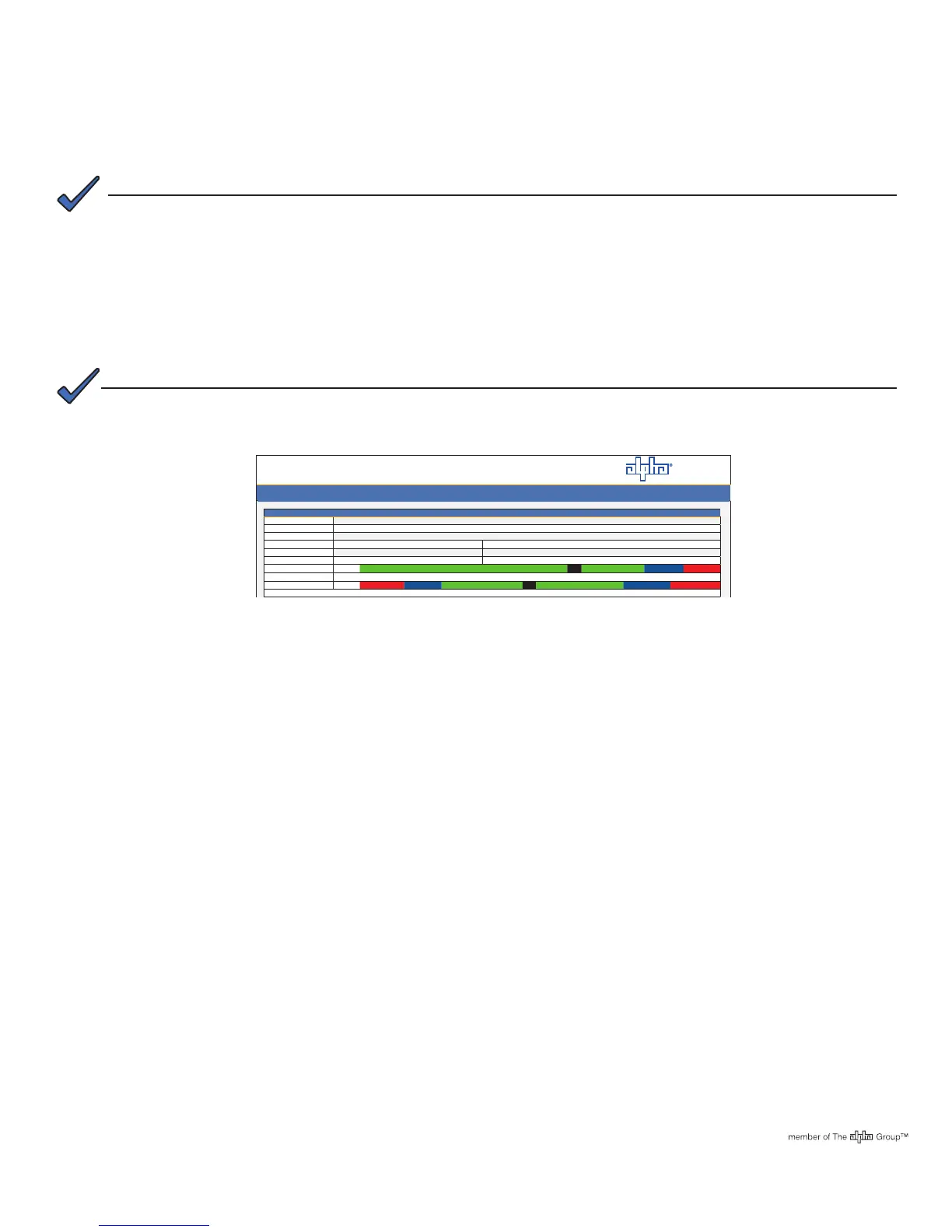
6.0 Final Verication
AlphaNet
TM
DOCSIS Status Monitor
General Conguration
Communications
Conguration 2IP US
SysUpTime 7 days 11H:13m:17s
Firmware Version 4.4.6.0_02.00_NA
CM
CPE Transponder
MAC Address 00:90:EA:00:30:84
00:90:EA:00:30:85
IP Address 192.168.1.124
192.168.1.120
CM Tx (dBmV) 42.0
41.0
0
+50 55 60
CM Rx (dBmV) 3.2
3.2
-20 -15 -10 10
15 20
®
General Advanced Settings APPS HISTORY Languages Print
A Static IP address (192.168.100.2) may need to be set on your network interface card to connect to the
transponder.
NOTE:
For the Alpha DOCSIS Transponder, this may take up to 45 seconds when the transponder is initially powered up
with no RF connection.
NOTE:



 To Previous Page