26
XPX EISBLOCK ASSEMBLY
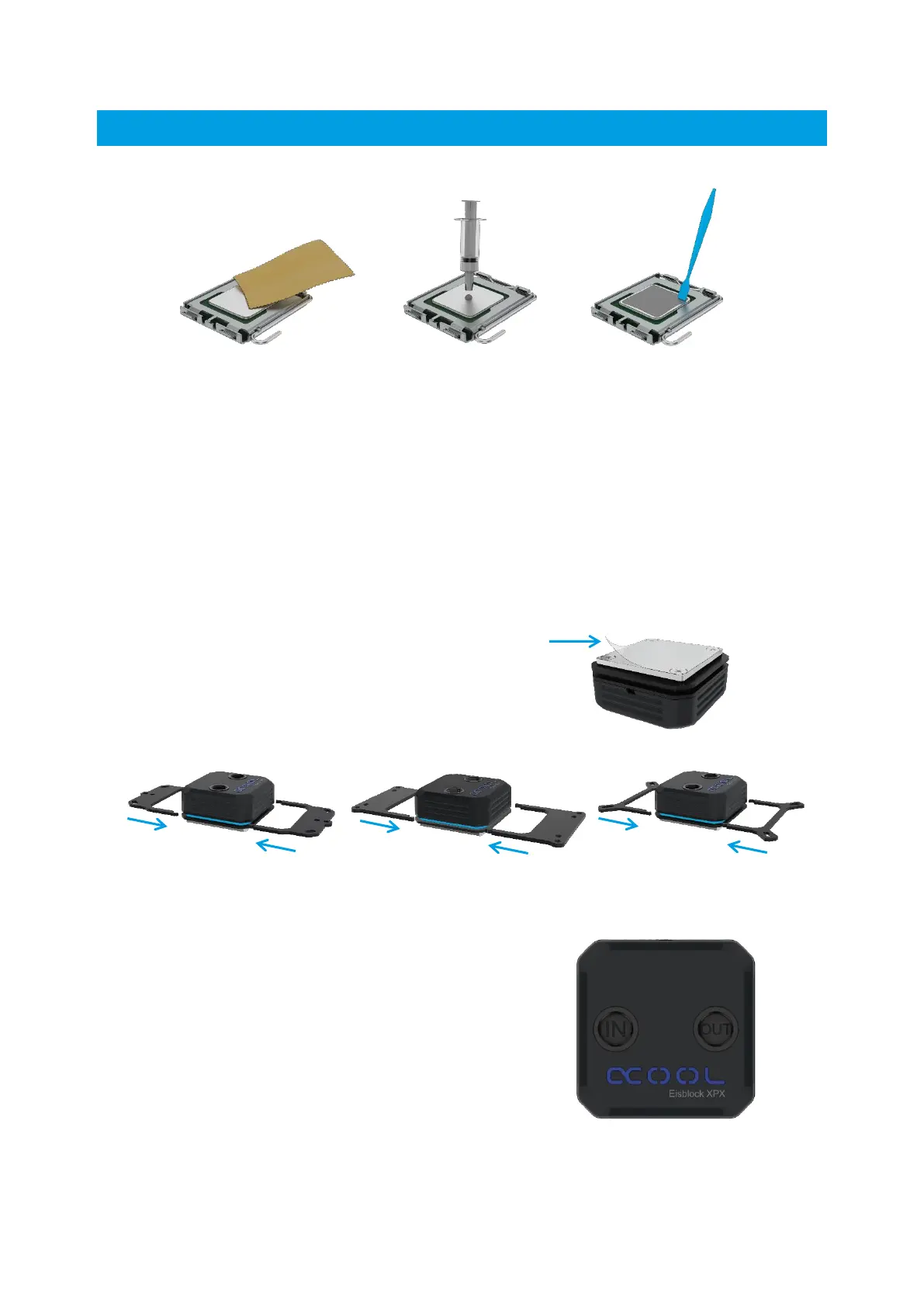
PREPARING THE CPU
If you have a cooler installed, remove it, then:
• Remove any remaining thermal paste from the CPU.
• Use a lint free cloth or other material to help. Dried on, stubborn paste can be removed
with alcohol.
• Apply a pea-sized blob of thermal paste to the center of the CPU.
• Spread the paste using a spatular, or similar to an even, thin layer (< 0.5 mm layer
thickness).
PREPARING THE CPU – COOLER
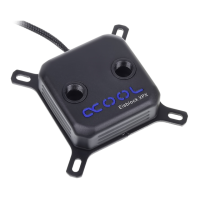
• Remove the protective film from the cooling plate.
• Select the appropriate bracket for your socket type, (AMD or INTEL).
• Mount the bracket as shown.
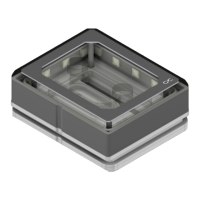
Note that inlet and outlet are shown
inside the thread of the CPU block:




 To Next Page