65
ENGLISH
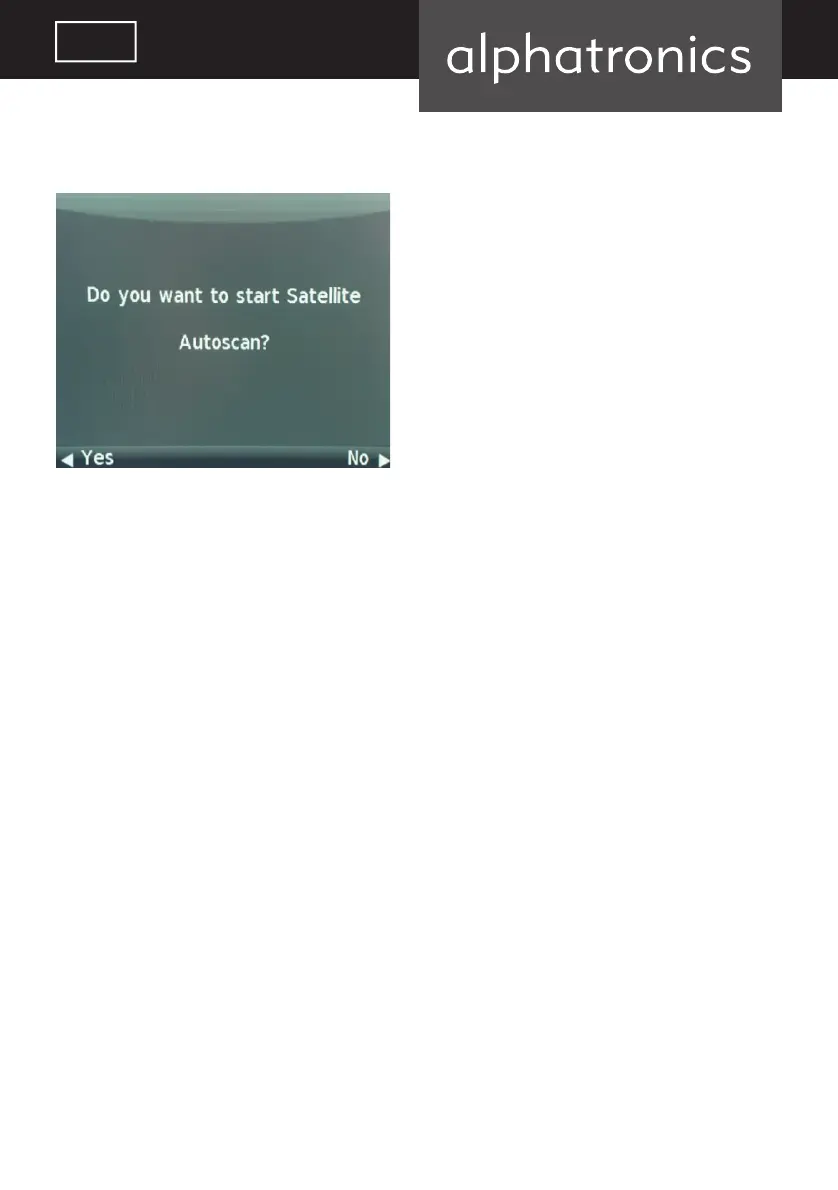
Confi rm all following pop-ups by pressing ENTER until this question appears:
Confi rm by selecting “Yes”.
Once the bar has loaded the fi rst program in the list will reappear.
The “ECO mode” option allows you to increase or reduce the background brightness and elec-
tricity consumption of the device. The default setting is in the middle.
The “blue screen” option allows you to turn off the display background.
The display will no longer distract you while listening to the radio.
alphatronics_BDA_Kurzversion_SL+_T+_DE_EN_2019_KL3.indd 65 09.04.19 12:34


 To Next Page