EasyManua.ls Logo

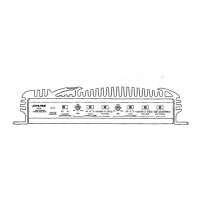
Alpine 3210 - Removal of Top Cover; Removal of Bottom Cover; Removal of Nosepiece; Removal of Slide VR P.C. Board

Alpine 3210
19 pages
Print Icon
To Next Page IconTo Next Page
To Previous Page IconTo Previous Page
Loading...
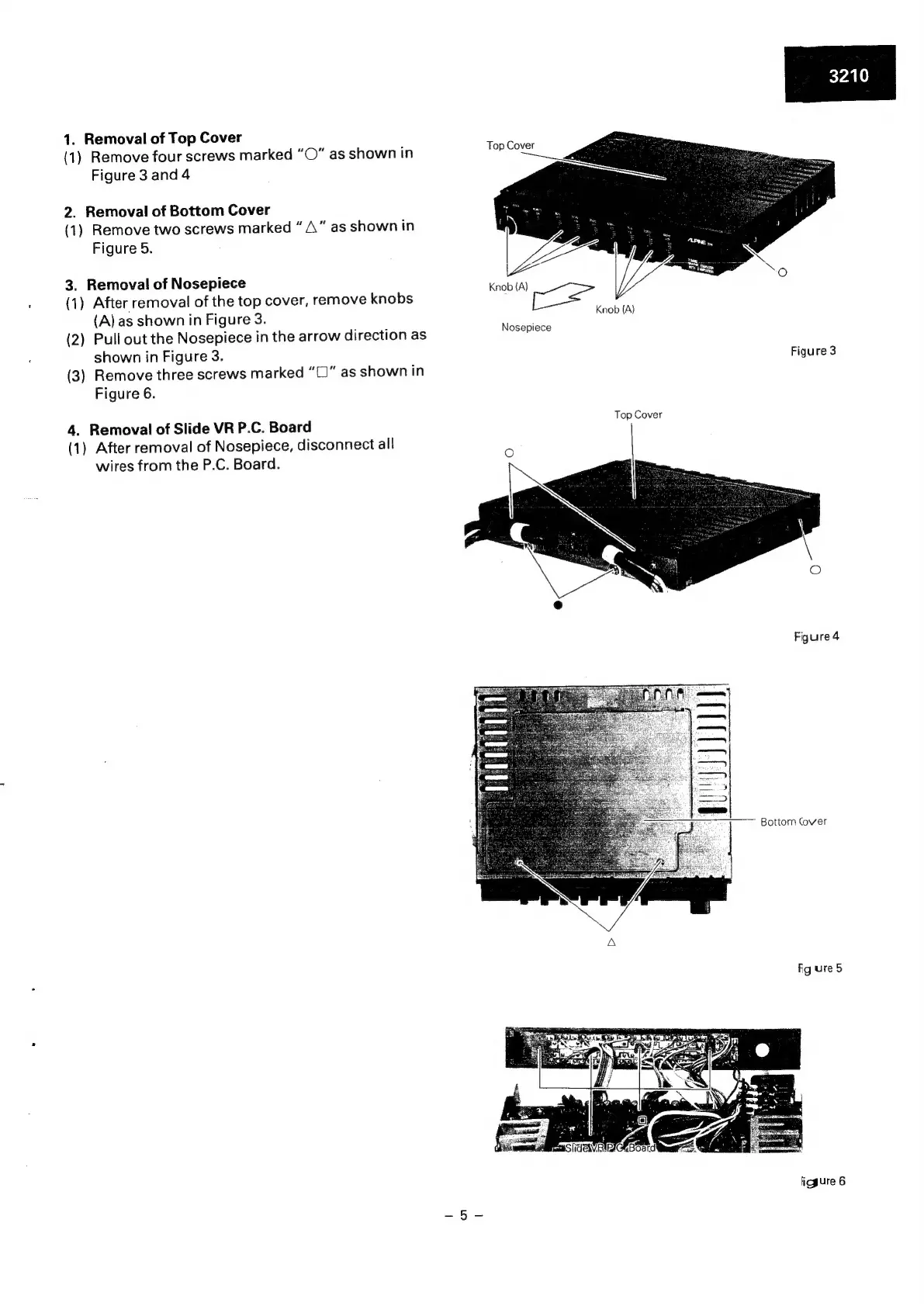
1.
Removal
of
Top
Cover
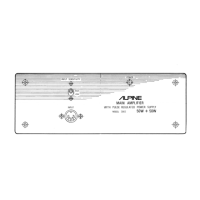
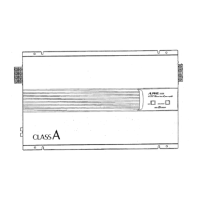
(1)
Remove
four
screws
marked
“O”
as
shown
in
Figure
3
and
4
2.
Removal
of
Bottom
Cover
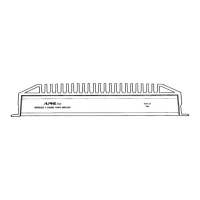
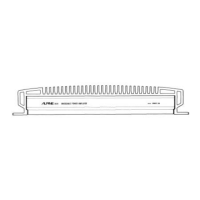
(1)
Remove
two
screws
marked
A
"
as
shown
in
Figure
5.
3.
Removal
of
Nosepiece
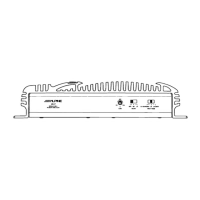
(1)
After
removal
of
the
top
cover,
remove
knobs
(A)
as
shown
in
Figure
3.
(2)
Pull
out
the
Nosepiece
in
the
arrow
direction
as
shown
in
Figure
3.
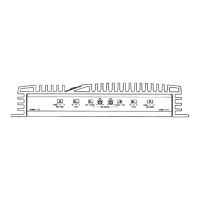
(3)
Remove
three
screws
marked
“C1”
as
shown
in
Figure
6.
4.
Removal
of
Slide
VR
P.C.
Board
(1)
After
removal
of
Nosepiece,
disconnect
all
wires
from
the
P.C.
Board.
Top
Cover
Knob
(A)
oe
Knob
(A)
Nosepiece
Figure
3
Top
Cover
Figure
4
Bottom
Cover
Fg
ure
5
SIGEIVRIRIGR
Board
ao.
ficgure
6

Related product manuals