EasyManua.ls Logo

Alpine 3318 - Output Selector Switch and Spectrum Display; RCA Gain Control

Alpine 3318
26 pages
Print Icon
To Next Page IconTo Next Page
To Previous Page IconTo Previous Page
Loading...
5.
To
balance
the
sound
volume
between
front
and
rear
speakers,
always
reduce
the
volume
that
is
greater.
OUTPUT
LEVEL
FRONT
‘REAR
©
©
MIN
MAX
MIN
MAX
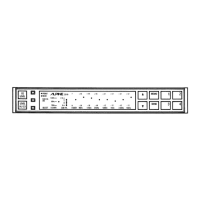
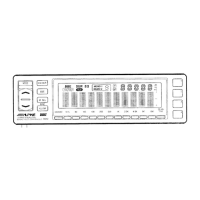
Spectrum
Display
1.
By
pressing
the
EQ/LEVEL
switch
once
when
the
EQ
mode
is
engaged,
the
display
will
change
into
a
spectrum
display.
By
checking
the
spectrum
display
readings,
you
may
at
a
glance
confirm
the
level
of
each
of
the
7
frequency
bands,
and
make
any
necessary
adjustments
as
you
see
fit.
2.
Two
sensitivity
levels
of
the
spectrum
display
are
available:
Hl
and
LOW.
For
proper
readings,
press
the
HI/LOW
switch
and
set
the
mode
to
LOW
listening
at
high
volumes,
and
set
it
to
HI
when
listening
at
LOW
values.
The
LOW
position
is
also
convenient
if
you
find
the
level
readings
irritating
during
driving.
Output
Selector
Switch
Used
to
select
the
outputs.
Each
time
the
switch
is
pressed
the
output
mode
is
switched
between
Front
output
only,
Rear
output
only,
and
both
Front
and
Rear
outputs.
Output
mode
Output
mode
Ind.
Operation
F
R
Front
only
Front
amp
output
only.
Rear
only
Rear
amp
output
only.
Front
and
Rear
am
Front/Rear
Both
Fron
p
outputs.
@
RCA
Gain
Control
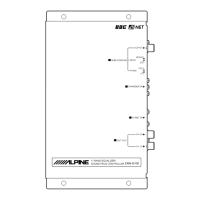
When
employing
RCA
Input
connector,
adjust the
RCA
Input
Gain
Control
on
the
unit
3318.
GAIN
CONTROL
(RCA)
2vV
0.1V
Set
the
control
to
the
position
where
maximum
output
is
gained
without
distortion.
13

Related product manuals