12
English
Basic Operation
Demonstration
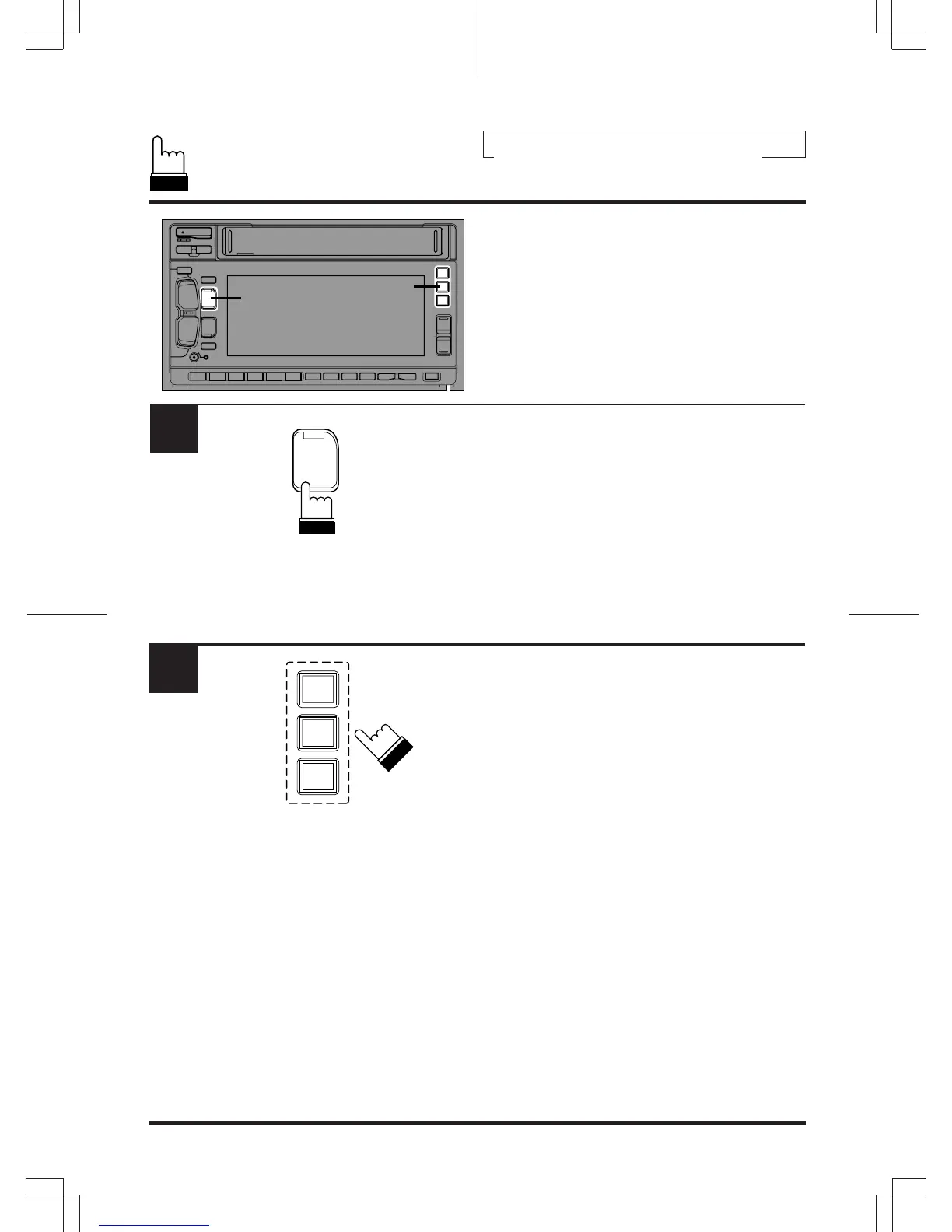
Equalizer/surround/BBE demonstration
functions are provided in this unit.
Press and hold the DEMO button for at least 2
seconds to activate the DEMO mode.
The unit automatically performs the following
operations.
1 Equalizer scanning operation (set by the
manufacturer).
2 Surround scanning operation (set by the
manufacturer).
3 BBE scanning operation.
4 Operations 1 – 3 are carried out repeatedly.
To end the DEMO mode, press one of EQ,
SUR, and BBE buttons.
1
1
2
SOURCE
DEMO
2
EQ
SUR
BBE












 To Next Page