EasyManua.ls Logo

Alpine 7289M - Page 9

Alpine 7289M
31 pages
Print Icon
To Next Page IconTo Next Page
To Previous Page IconTo Previous Page
Loading...
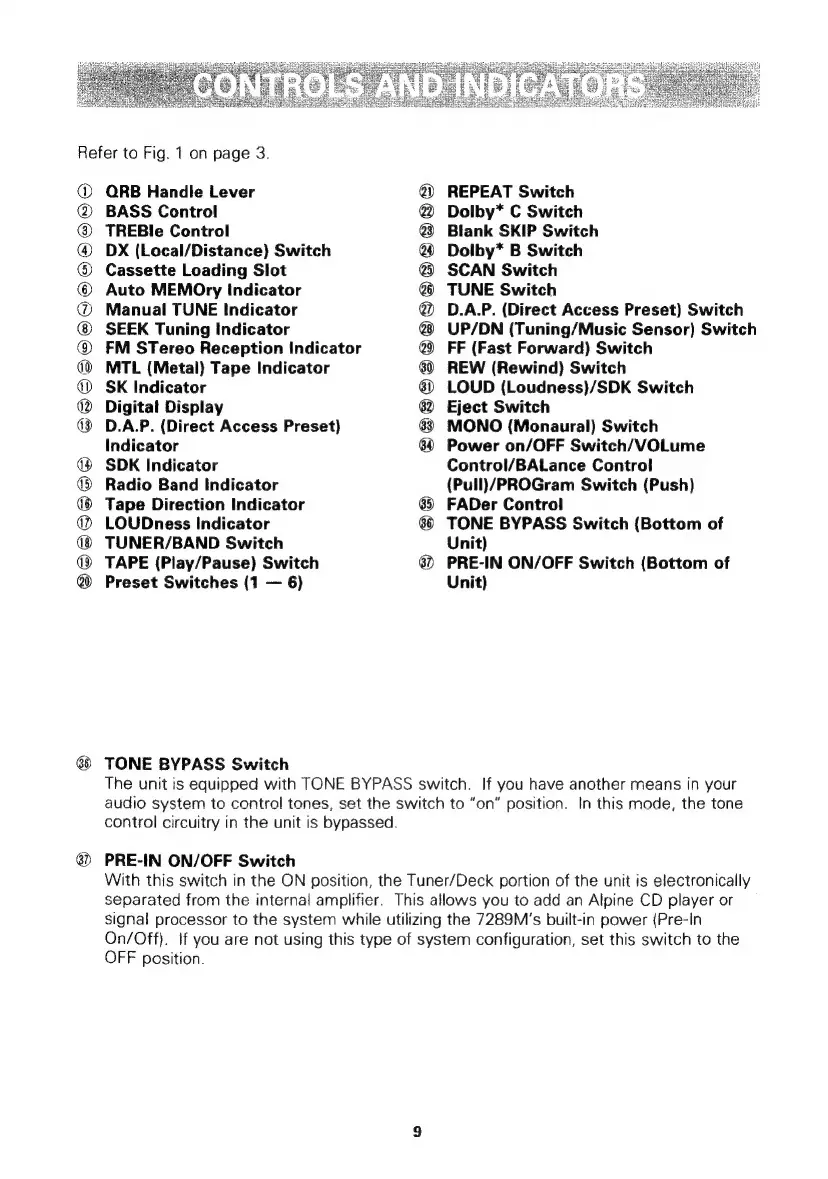
Refer
to
Fig.
1
on
page
3.
@
®
®
@
®
®
@
@
(0)
D)
®
KE)
SOSSeoe
ORB
Handle
Lever
BASS
Control
TREBl!e
Control
DX
(Local/Distance)
Switch
Cassette
Loading
Slot
Auto
MEMOry
Indicator
Manual
TUNE
Indicator
SEEK
Tuning
Indicator
FM
STereo
Reception
Indicator
MTL
(Metal)
Tape
Indicator
SK
Indicator
Digital
Display
D.A.P.
(Direct
Access
Preset)
Indicator
SDK
Indicator
Radio
Band
Indicator
Tape
Direction
Indicator
LOUDness
Indicator
TUNER/BAND
Switch
TAPE
(Play/Pause)
Switch
Preset
Switches
(1
6)
TONE
BYPASS
Switch
SSGSSS8SH8S888
§
REPEAT
Switch
Dolby*
C
Switch
Blank
SKIP
Switch
Dolby*
B
Switch
SCAN
Switch
TUNE
Switch
D.A.P.
(Direct
Access
Preset)
Switch
UP/DN
(Tuning/Music
Sensor)
Switch
FF
(Fast
Forward)
Switch
REW
(Rewind)
Switch
LOUD
(Loudness)/SDK
Switch
Eject
Switch
MONO
(Monaural)
Switch
Power
on/OFF
Switch/VOLume
Control/BALance
Control
(Pull)/PROGram
Switch
(Push)
FADer
Control
TONE
BYPASS
Switch
(Bottom
of
Unit)
PRE-IN
ON/OFF
Switch
(Bottom
of
Unit)
The
unit
is
equipped
with
TONE
BYPASS
switch.
If
you
have
another
means
in
your
audio
system
to
control
tones,
set
the
switch
to
“on”
position.
In
this
mode,
the
tone
control
circuitry
in
the
unit
is
bypassed.
PRE-IN
ON/OFF
Switch
With
this
switch
in
the
ON
position,
the
Tuner/Deck
portion
of
the
unit
is
electronically
separated
from
the
internal
amplifier.
This
allows
you
to
add
an
Alpine
CD
player
or
signal
processor
to
the
system
while
utilizing
the
7289M’s
built-in
power
(Pre-In
On/Off).
If
you
are
not
using
this
type
of
system
configuration,
set
this
switch
to
the
OFF
position.

Related product manuals