20-EN
Adjusting the Time Correction
Before performing the following procedures, refer to “About Time
Correction” on page 43.
1
After selecting T.Correction from the Sound Field mode,
press BAND to select a speaker to be adjusted.
F-L
*1
F-R
*2
R-L
*3
R-R
*4
SW-L SW-R F-L
*1 Front-L (Initial setting)
*2 Front -R
*3 Rear-L
*4 Rear-R
2
Turn the Rotary encoder to adjust the distance correction
value (0.0 to 336.6cm).
L = (distance to farthest speaker) - (distance to other speakers)
3
Repeat steps 1 and 2 to set another speaker.
By setting these values to make its sound reach the listening
position at the same time as the sound of other speakers.
Storing the Sound Field Adjustment Settings
The Sound Field Settings containing Parametric EQ/Graphic EQ and
T.Correction settings can be stored in the preset memory.
1
When the settings of Sound Field have been completed,
select any one of the preset buttons (1 through 6) in any
item of the Sound Field mode (e.g. Parametric EQ), press
and hold the desired preset buttons for at least 2 seconds.
2
Turn the Rotary encoder to select Protect YES/NO, and
then press ENTER to store the adjusted contents.
Protect YES (Initial setting) Protect NO
Notes
• If YES is selected, the adjusted contents are protected and stored into the
preset buttons. When you want to store the parameter into a protected
preset button, “Replace NO/YES” can be selected.
• If NO is selected, the preset is stored.
• While perform this operation, all adjusted contents of Parametric EQ/
Graphic EQ and T.Correction will be stored in the preset buttons.
• The stored contents are not deleted even when resetting the unit or
disconnecting the battery.
• The stored contents can be recalled by performing operation (refer to
“Recalling the Stored Sound Field Adjustment Settings” on page 20).
Recalling the Stored Sound Field Adjustment
Settings
The stored Sound Field Settings contain Parametric EQ/Graphic EQ and
T.Correction settings that are stored in the preset memory.
1
After selecting any item of the Sound Field mode (e.g.
Parametric EQ), press any one of the preset buttons (1
through 6) that has your desired characteristic in memory
to recall the stored settings.
2
Press the preset buttons (1 through 6) again to return to
the Sound Field mode.
Note
• While performing this operation, all adjustment contents of Parametric
EQ/Graphic EQ and T.Correction stored in the preset buttons will be
recalled.
Displaying the Text
Text information, such as the disc name and the track name, will be
displayed if playing a CD text compatible disc. It is also possible to
display the folder name, the file name and the tag, etc. while playing
MP3/WMA/AAC files.
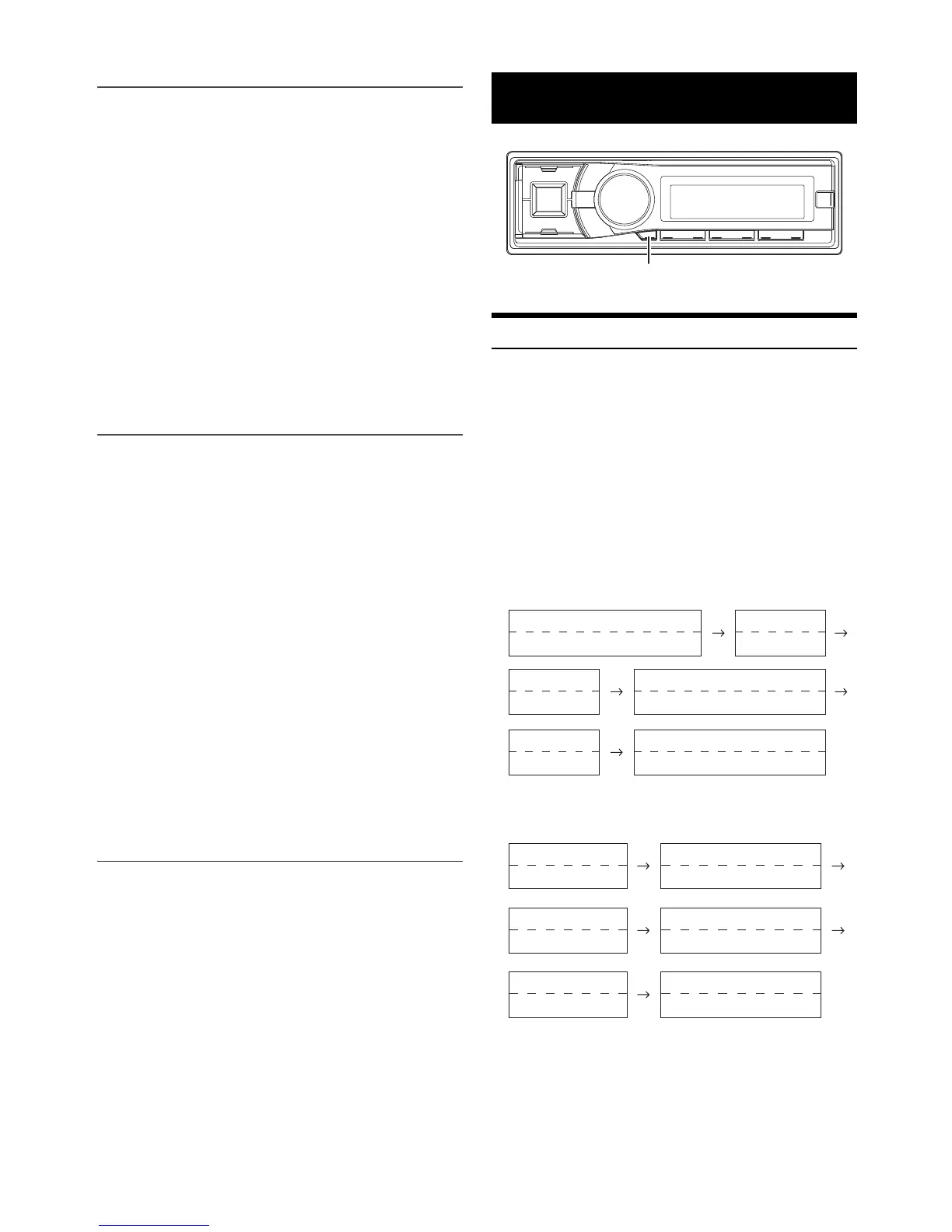
Press VIEW.
The display will change every time the button is pressed.
Note
• When the Text Scroll is set to Manual, press and hold VIEW for at least
2 seconds, the current text will be scrolled one time (except Radio
mode).
The display in Radio mode:
If there is PS (Programme Service Name)
If there is no PS (Programme Service Name)
Other Functions
VIEW
(Blank)
PS (Programme Service Name)
*1
(Blank)
(Blank)
Calendar
PS (Programme Service Name)
*1
PTY (Programme Type)
Clock
Radio Text
PS (Programme Service Name)
*1
Radio Text
(Blank)
(Blank)
FREQUENCY
(Blank)
(Blank)
Calendar FREQUENCY
Clock
PTY (Programme Type)
Radio Text
FREQUENCY
(Blank)
Radio Text



 To Next Page