22-EN
Note
• Refer to the table below for the Russian display on this unit.
Connecting to an External Amplifier (POWER IC)
When an external amplifier is connected, sound quality can be
improved by stopping the power supply of the built-in amplifier.
Setting item: POWER IC
Setting contents:
ON (Initial setting) / OFF
ON :
The speakers are driven by the built-in amplifier.
OFF :
Use this mode when the line output of this unit is used to drive an
external amplifier. In this setting, the head unit’s internal amplifier
is turned OFF and cannot drive speakers.
ON :
OFF :
Note
• No sound is produced by the system when the power output is set to
OFF.
Demonstration
This unit has a demonstration feature for the display.
Setting item: DEMO
Setting contents:
DEMO ON / DEMO OFF (Initial setting)
Note
• To quit Demo mode, set to DEMO OFF.
DISPLAY is selected on the setup main menu in step 2.
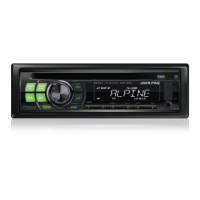
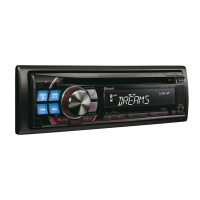
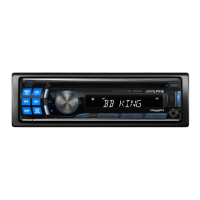
Changing Lighting Colour
You can change the lighting colour of the following six buttons.
SOURCE, FAV, , , BAND and .
Setting item: ILLUMINATI
Setting contents:
ILUM TYPE1 (Initial setting) / TYPE2 /TYPE3 / TYPE4
TYPE1 :
When the colour of the six buttons is blue, the colour of the other
is red.
TYPE2 :
When the colour of the six buttons is green, the colour of the other
is green.
TYPE3 :
When the colour of the six buttons is amber, the colour of the
other is red.
TYPE4 :
When the colour of the six buttons is red, the colour of the other is
red.
Scroll Type Setting
Choose from two scrolling methods.
Select the type you prefer.
Setting item: SCROLLTYPE
Setting contents:
SCR TYPE1 / SCR TYPE2 (Initial setting)
SCR TYPE1:
The characters scroll from right to left, a single character at a time.
SCR TYPE2:
Words are built up from left to right, a single character at a time.
When the display is filled, it is cleared and the remaining words are
displayed the same way until all words of the title have been
shown.
D
D:
C:
CDCDCDC



 To Next Page