14-EN
Notes
• Confirm the type of DAB antenna (sold separately) before using the
DAB/DAB+/DMB function. If an active antenna that needs power
supply from this unit is used, set DAB ANT to ON; if a passive antenna
that does not need power supply from this unit is used, make sure to set
DAB ANT to OFF, otherwise, a malfunction may occur. Refer to
“Setting the DAB Antenna ON/OFF (DAB ANT)” on page 33.
• When FM SWITCH is set to ON, if the digital signal is weak, this unit
will switch to receive the analog FM radio signal automatically. For
details, refer to “Setting the FM Switching ON/OFF (FM SWITCH)” on
page 32.
• This product does only support the “Receiver Profile 1 - Standard Audio
Receiver” according to the official classification of WorldDMB Forum.
Listening to DAB/DAB+/DMB
1
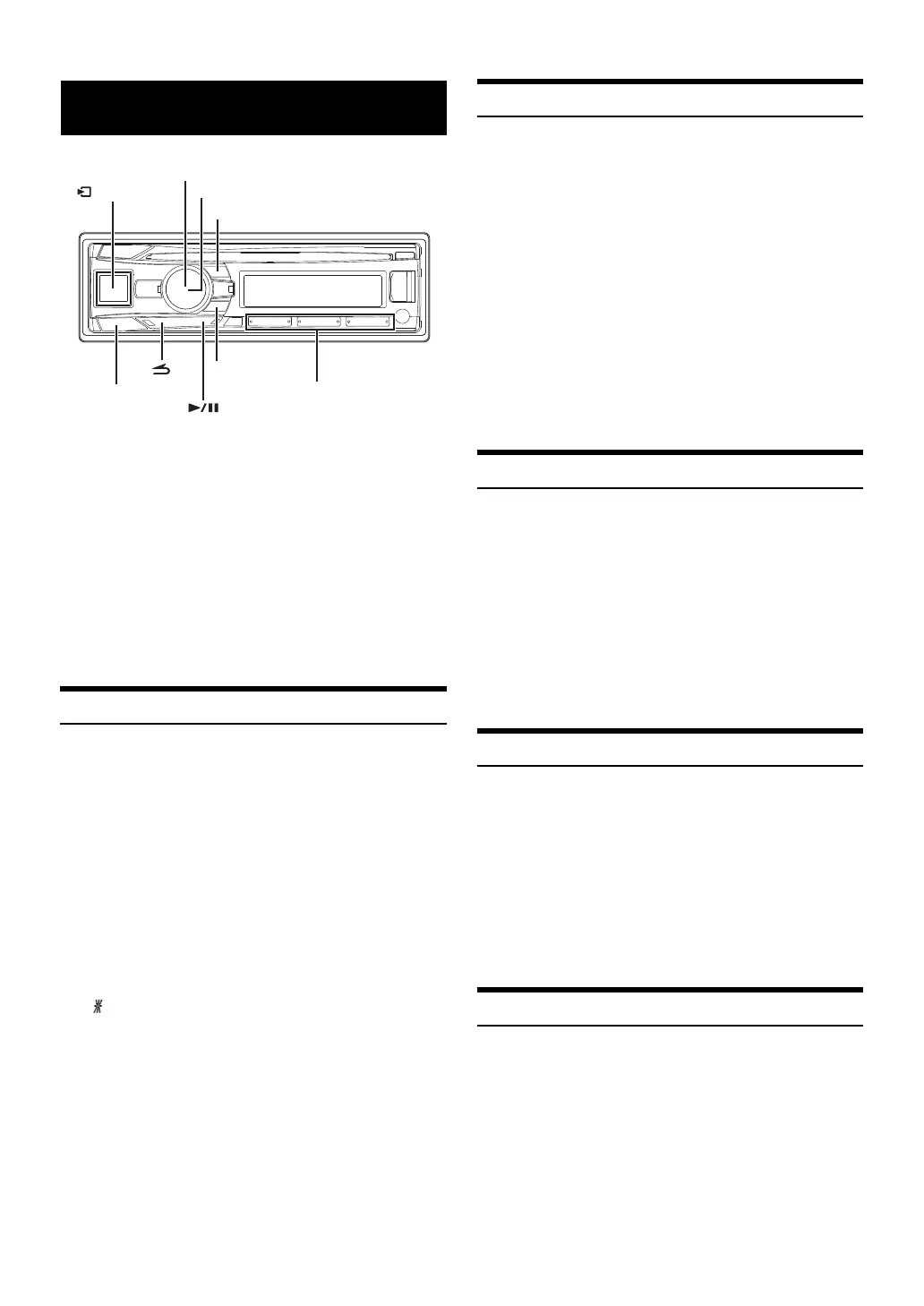
Press VSOURCE to select DAB+/DMB mode.
The o indicator lights up when digital signal is received.
2
Press BAND repeatedly until the desired radio band is
displayed.
DAB1 DAB2 DAB3 DAB1
3
Press and hold or for at least 2 seconds to
change the frequency, and then release at a desired point
(frequency). The unit will search from the point of
frequency (down or up) until find an Ensemble.
4
Press or to change the service component of the
selected ensemble.
“ ” will be displayed before channel sign when a secondly
service component is selected.
Presetting Service Components Manually
1
Select the band and ensemble, and then tune in a desired
service component you wish to store in the preset
memory.
2
Press and hold, for at least 2 seconds, any one of the
preset buttons (1 through 6) into which you wish to store
the service component.
The selected service component is stored.
The display shows the band, preset number and channel sign
memorized.
Notes
• A total of 18 service components can be stored in the preset memory (6
service components for each band; DAB1, DAB2 and DAB3).
• If you store a service component in a preset memory which already has
a service component, the current service component will be cleared and
replaced with the new service component.
Presetting Ensemble/Service Automatically
1
Press BAND repeatedly until the desired radio band is
displayed.
2
Press and hold TUNEA.ME for at least 2 seconds.
The tuner will automatically seek and store up to 12 ensembles
to the ensemble memory in the selected band. And the default
service of ensemble 1 ~ 6 will be stored into preset buttons 1 to
6.
When the automatic memory has been completed, the tuner
goes to the default service of ensemble stored in preset location
No.1.
Tuning to Stored Ensemble
After presetting the ensembles (12 records for each band), you can
switch the ensembles stored in the ensemble memory by this operation.
1
Press BAND repeatedly until the desired band is
displayed.
2
Press repeatedly to switch the ensemble until find
the desired one.
Note
• If no ensemble is stored, “NO MEMORY” is displayed for 2 seconds.
Tuning to Preset Service Components
1
Press BAND repeatedly until the desired band is
displayed.
2
Press any one of the preset buttons (1 through 6) that has
your desired service component in memory.
The display shows the band, preset number and channel sign of
the service component selected.
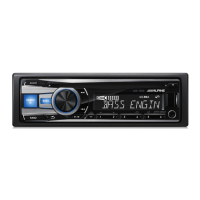
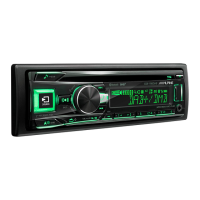
DAB/DAB+/DMB
/ENTER
TUNE/A.ME
/SOURCE
BAND
Rotary encoder
Preset buttons
(1 through 6)


 To Next Page