10
English
Basic Operation
1
1
Initial System Start-Up
Immediately after installing or applying power to
the unit, it should be initialized. To do this, first,
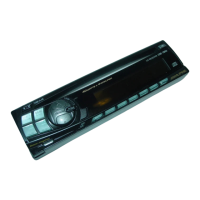
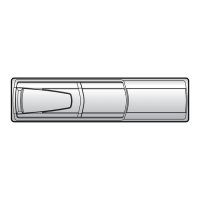
remove the detachable front panel. Behind the
front panel, to the left of the connector, is a
small hole. Using a pencil or other pointed
object, press the red Reset button mounted
behind this hole to complete the initialization
procedure.
Turning Power On and Off
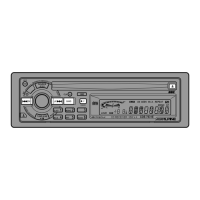
Press the PWR button to turn on the unit.
Note: The unit can be turned on by pressing
any button except the eject (
h
) and
CLOCK buttons, or by inserting a
compact disc.
Press the PWR button again to turn off the unit.
1
PWR
PWR
1



 To Next Page