9
English
1
PWR
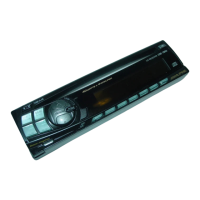
Detaching the Front Panel
Press the PWR button to turn off the power.
Press the release button until the front panel
pops out.
Grasp the left side of the front panel and pull it
out.
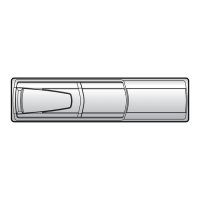
Note: To protect the front panel, place it in
the supplied carrying case.
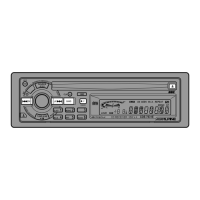
Attaching the Front Panel
1. First, insert the right side of the front panel
into the main unit. Align the 2 small holes on
the front panel with the 2 projections on the
main unit.
2. Push the left side of the front panel until it
locks firmly into the main unit.
Note: Before attaching the front panel, make
sure that there is no dirt or dust on the
connector terminals and no foreign
objects between the front panel and main
unit.
English
1
2
1
2
Detachable Front
Panel
2
3



 To Next Page