8-EN
Radio Operations
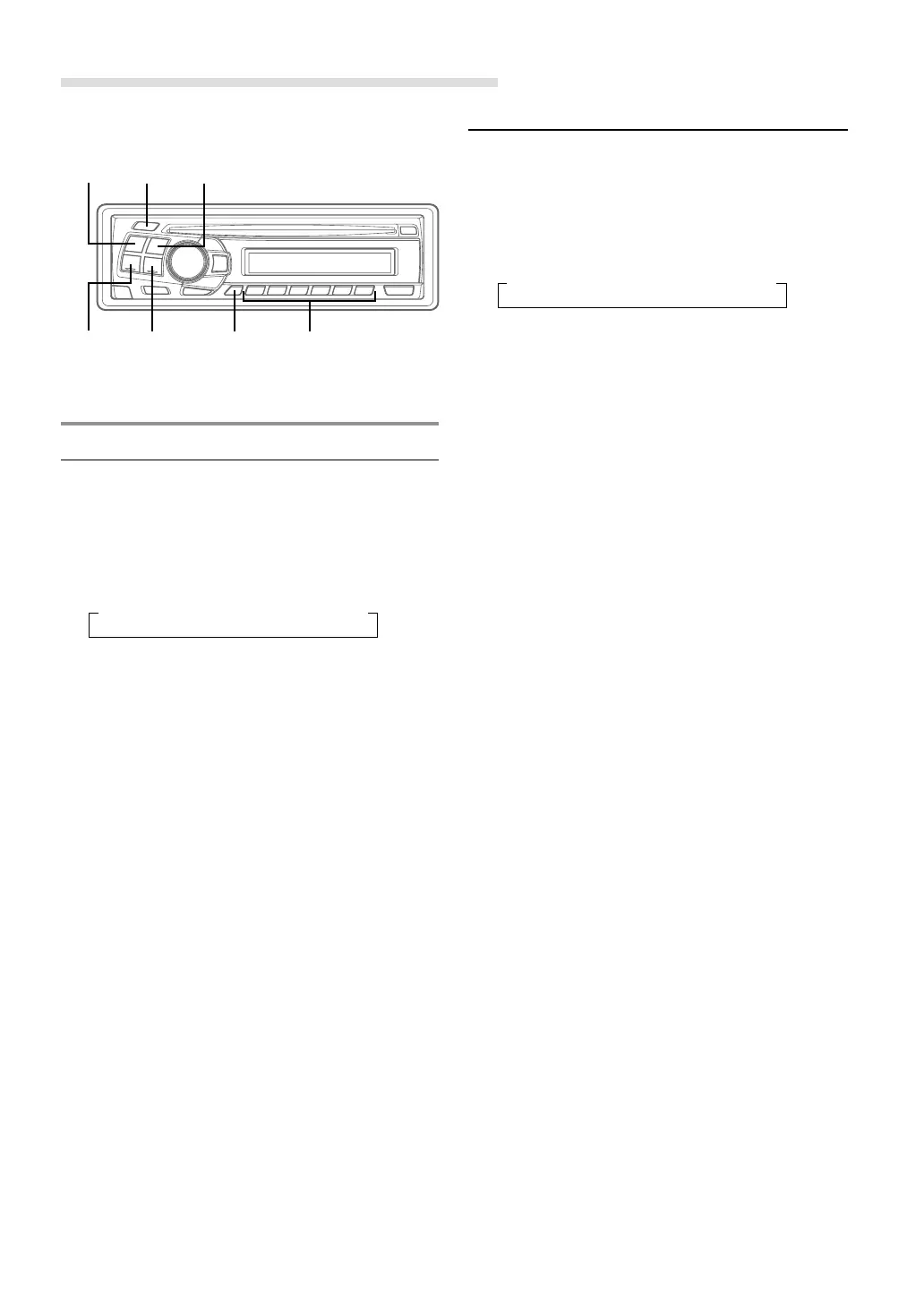
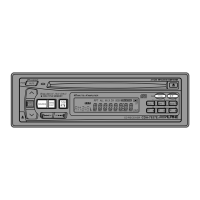
TUNE/
A. ME
SOURCE/
POWER
fg
BAND
Manual Tuning
1 Press the SOURCE/POWER button to select the
radio mode.
2 Press the BAND button repeatedly until the
desired radio band is displayed.
Each press changes the band:
3 Press the TUNE/A. ME button repeatedly until
"DX SEEK" and "SEEK" disappear from the
display.
NOTE
The initial mode is DX SEEK.
4 Press the g or f button to move downward
or upward one step respectively until the desired
station frequency is displayed.
NOTE
The ST indicator appears on the display when a Stereo
FM station is tuned in.
Automatic Seek Tuning
1 Press the SOURCE/POWER button to select the
radio mode.
2 Press the BAND button repeatedly until the
desired radio band is displayed.
Each press changes the band:
3 Press the TUNE/A. ME button to illuminate the
DX and SEEK indicators in the display.
The SEEK indicator illuminates. With the DX
mode activated, both strong and weak stations
will be tuned in the Auto-Seek operation.
Press again to return to the local mode. The DX
indicator will turn off and the SEEK indicator will
illuminate for a few seconds. Now, only strong
stations will be tuned.
4 Press the g or f button to automatically
seek a station downward or upward respectively.
The unit will stop at the next station it finds.
Press the same button again to seek the next
station.
→ F1(FM1) → F2(FM2) → MW → LW
→ F1(FM1) → F2(FM2) → MW → LW
F/SETUP Preset buttons
(1 through 6)



 To Next Page