14-EN
3 Touch the required setting genre on the
upper part of the Settings menu screen, and
then touch the setting item.
Setting genres:
General: See “General Setup” (page 14).
Connection: See “Connection (Bluetooth) Setup”
(page 20).
Camera: See “Camera Setup” (page 21).
Sound: See “Sound Setup” (page 24).
General Setup
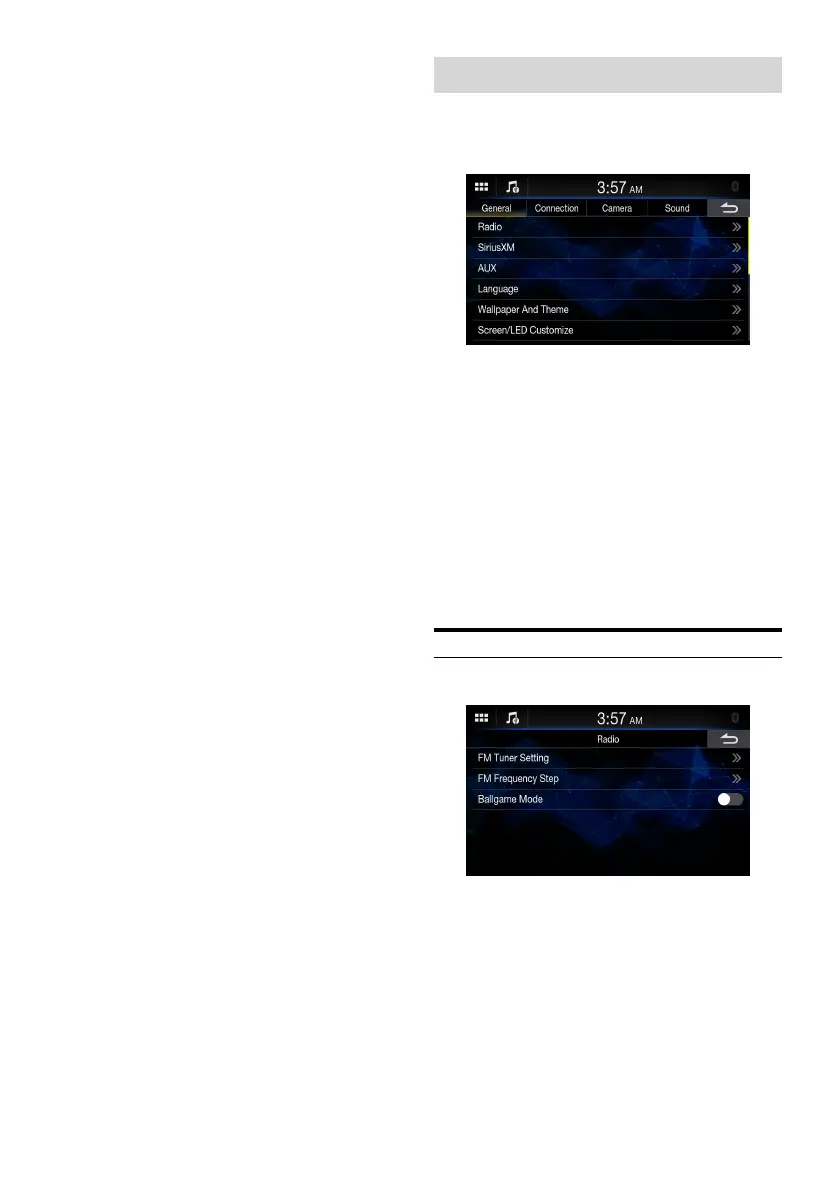
[General] is selected on the Settings menu screen.
■
General Setup Menu screen
Setting items:
Radio (page 14)
SiriusXM (page 15)
AUX (page 16)
Language (page 16)
Wallpaper And Theme (page 17)
Screen/LED Customize (page 17)
Date/Clock (page 18)
Display Off (page 18)
About (page 18)
Installation (page 19)
Steering Wheel Position (page 19)
Mute While Backing Up (page 17)
iDatalink (page 19)
Radio Setup
[Radio] is selected on the General Setup Menu screen.















 To Next Page