27-EN
Language Setup
[Language] is selected on the System Setup Menu screen. e Setup
menu, feedback information, etc. for this unit can be changed to appear
in the selected language.
Setting item:
Language
Setting contents:
English (UK)
•
e currently selected language is displayed.
Time Adjust Setup
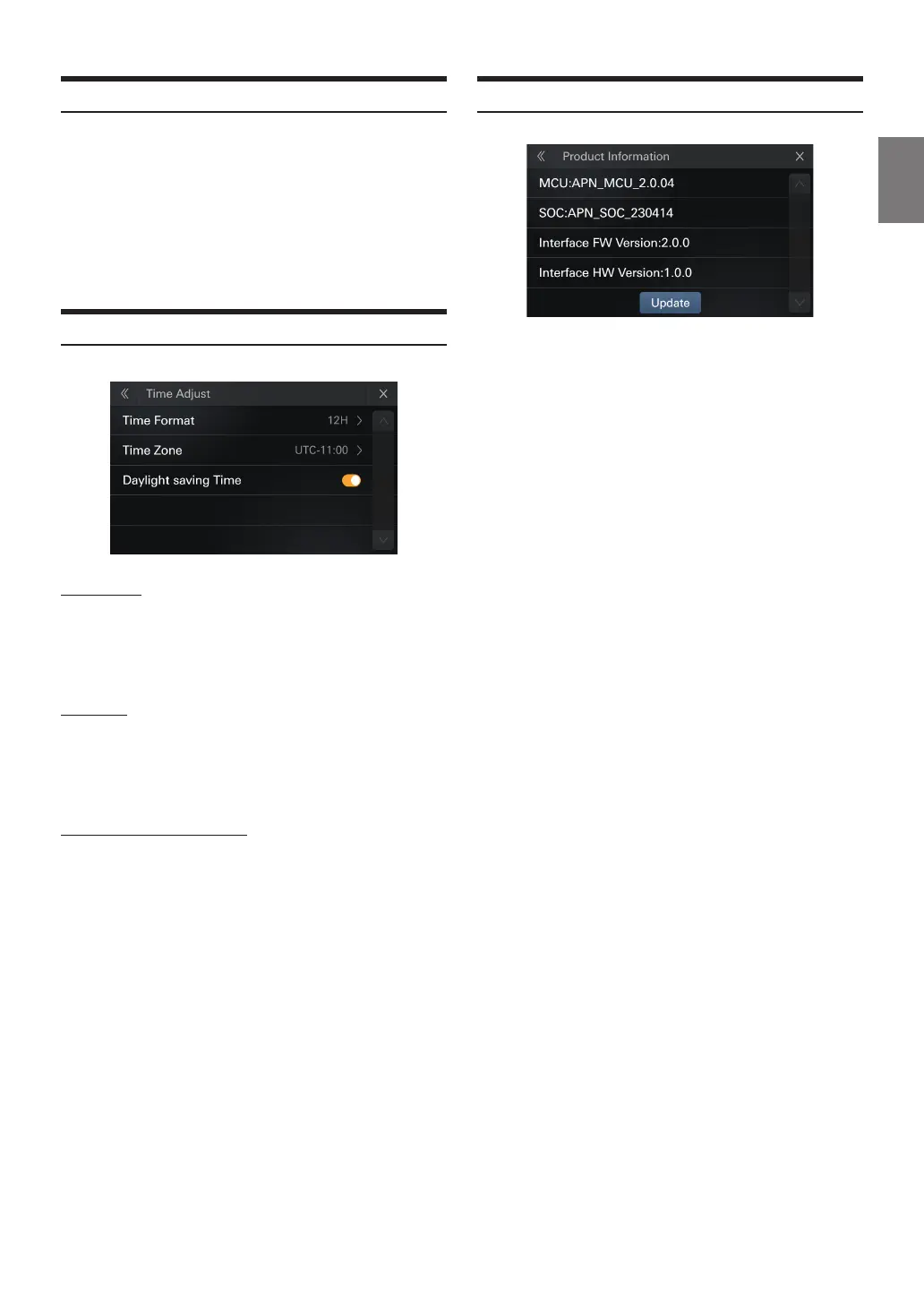
[Time Adjust] is selected on the System Setup Menu screen.
Time Format
Setting item:
Time Format
Setting items:
12h, 24h(Initial setting)
Time Zone
Setting item:
Time Zone
Setting contents
UTC-12.00h~UTC+14.00
Daylight saving Time ON/OFF
Setting item:
Daylight saving Time
Setting contents
O (Initial setting), On
Product Information
Setting item:
Display and updating the rmware version
1
Download the rmware update le into your computer.
2
Inset a USB with FAT32 format into your computer,copy
the correct upgrade le to the root directory
3
Connect the USB storage device to this product.
4
Touch [setup]>[System setup]>
[Product Information]>[Update] .
The rmware update le information will be read
5
After readingTouch[Update]
Follow the on-screen prompts to update the rmware.
•
is product will reset automatically aer the rmware update is
completed if the update is successful.
•
If an error message on the screen,Repeat the preceding steps














 To Next Page