59-EN
01GB05INE-S920E.fm
ALPINE INE-S920E/INE-Z928E 68-21057Z31-A (EN)
1
Press the (PHONE) button.
The phone menu screen is displayed.
2
Touch .
The number input screen appears.
3
Enter the phone number you wish to call.
• You can enter up to 31 digits.
4
Touch [].
5
Touch [Call].
The phone call is started.
You can redial the person you have previously called.
1
Press the (PHONE) button.
The phone menu screen is displayed.
2
Touch [Redial].
The number is redialed.
3
Touch [Call].
The phone call is started.
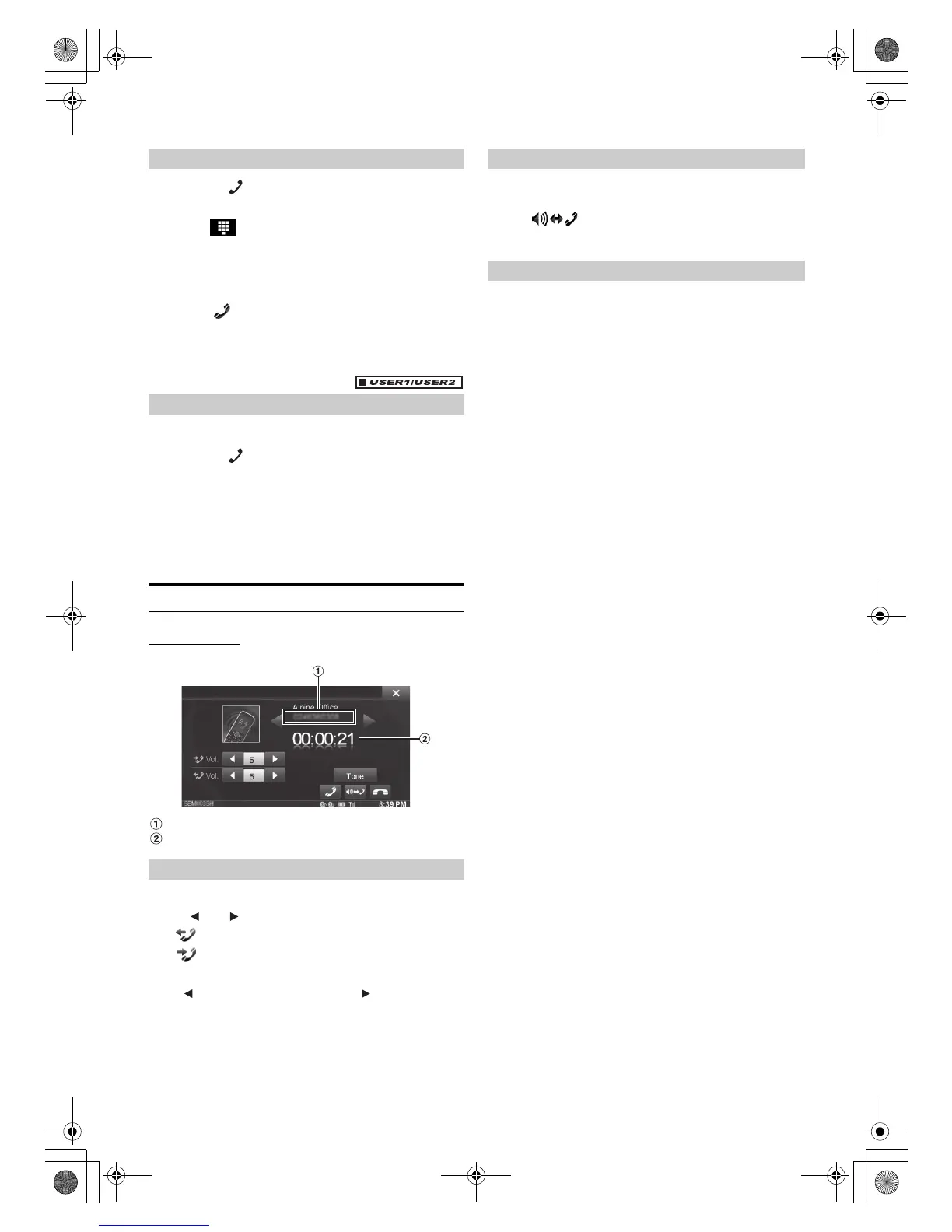
Operations During a Conversation
Display example
Name and phone number
Conversation time
You can adjust the transmit volume and receive volume respectively.
Touch [] or [] for “Vol.”
You can adjust the volume in 11 levels.
Touch [] to turn down the volume. Touch [] to turn up the
volume.
The voice output for calls is switchable between car speakers and the
mobile phone speaker.
Touch [].
• Depending on the mobile phone, this operation may not be possible.
Transmits a DTMF (Touch-Tone) during a call.
1
Touch [TONE].
The number input screen appears.
2
Input number.
• You can transmit a Touch-Tone signal during a call.
• Touching and holding “0” initiates “+” tone transmission.
Entering a Phone Number to Make a Call
Redial Function
Adjusting the Speech Volume
:Outgoing volume
:Incoming volume
Changing the Voice Output
DTMF (Touch-Tone) Function
01GB00INE-S920E.book Page 59 Tuesday, June 12, 2012 10:56 AM












 To Next Page