64-EN
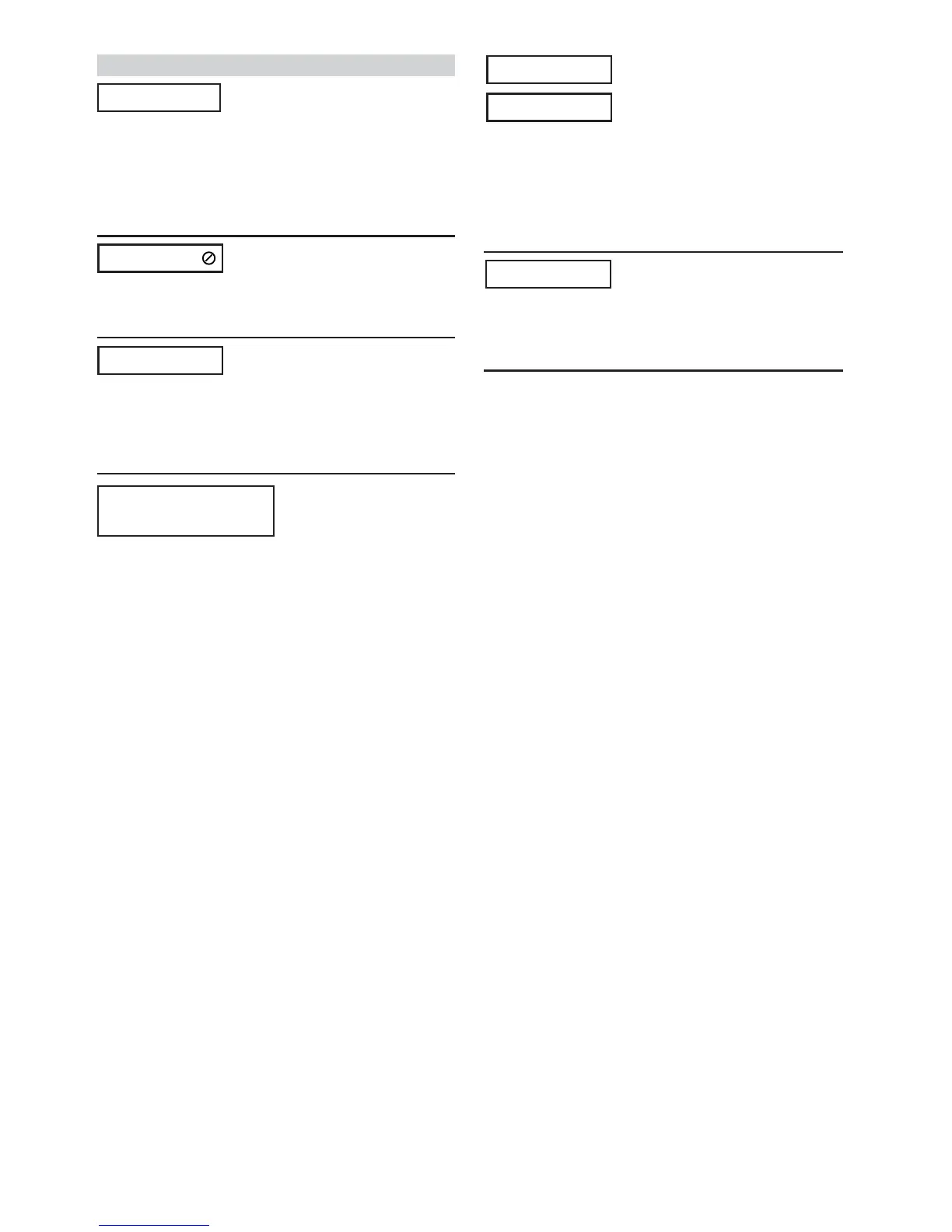
Indication for DVD/Video CD
• No disc is inserted.
- Insert a disc.
• Although a disc is inserted, “NO DISC” is displayed and the
unit does not start to play or eject the disc.
-Remove the disc by following these steps:
Press c for at least 3 seconds.
• Remote control operation is not possible.
-For some discs or playing modes, certain operations are not
possible. This is not a malfunction.
• Protective circuit is activated to high temperature.
- The indicator will disappear when the temperature
returns to within operation range.
-Leave the power OFF until the temperature decreases and
then turn the power ON again.
• PAL disc is loaded.
- Load an NTSC disc
•Mechanism error.
1) Press c and eject the disc.
If not ejecting, consult your Alpine dealer.
2) When the error indication remains after ejecting, press
c again.
If the error indication still does not turn off after pressing
c for a few times, consult your Alpine dealer.
•Scratched disc, contaminated disc/poor recording/disc
incompatible with this unit
-Press c.
-Change the disc.
NO DISC
VIDEO SIGNAL SYSTEM IS
NOT CORRECT
HI-TEMP
DISC ERROR
LOADING ERROR
EJECT ERROR
(Displayed only in IVA-D901 (front
monitor))
(Displayed in the rear monitor)
(Displayed in the rear monitor)
(Displayed in the rear monitor)



 To Next Page