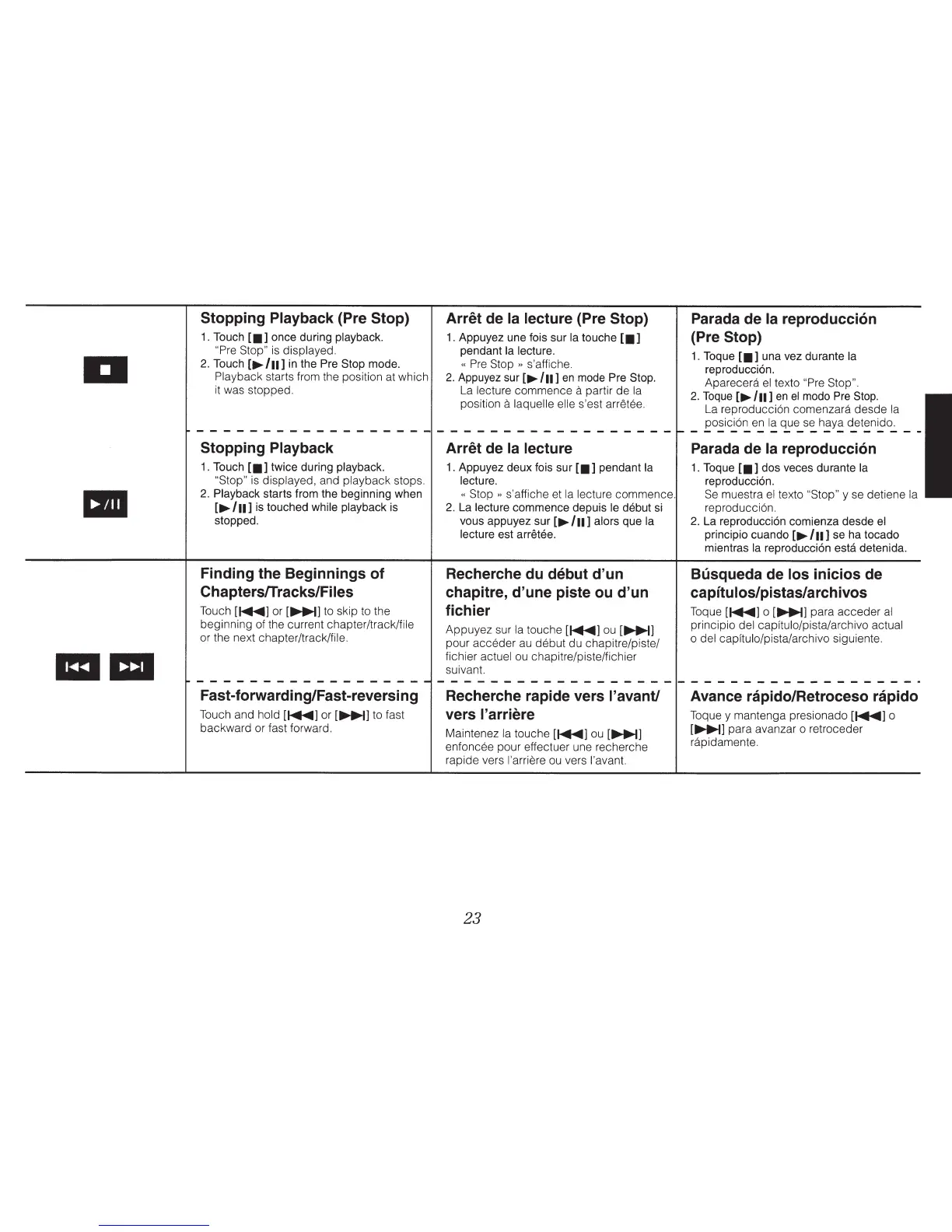
Stopping Playback (Pre
Stop) Arret
de
Ia lecture
(Pre
Stop) Parada de Ia
reproducci6n
1.
Touch
£•]
once during playback.
1.
Appuyez une fois sur
Ia
touche
£•]
(Pre
Stop)
"Pre Stop"
is
displayed. pendant
Ia
lecture.
1.
Toque
£•]
una vez durante
Ia
a
2.
Touch
[~
/n]
in
the
Pre Stop
mode.
«
Pre
Stop
»
s'affiche.
reproducci6n.
Playback
starts from the position at which
2.
Appuyez
sur[~
/11]
en
mode
Pre
Stop.
Aparecera
el
texto
"Pre Stop".
it was stopped.
La
lecture commence
a
partir de
Ia
2.
Toque
[~
/n]
en
el
modo
Pre
Stop.
position
a
laquelle elle s'est
arretee.
La
reproducci6n comenzara desde
Ia
posicion
en
Ia
que
se
haya detenido.
------------------
------------------
-------------------
Stopping Playback
Arret de
Ia lecture
Parada de
Ia
reproducci6n
1.
Touch
[•]
twice during playback.
1.
Appuyez deux fois sur
[•]
pendant
Ia
1.
Toque
[•]
dos veces durante
Ia
"Stop"
is
displayed, and playback stops. lecture. reproducci6n.
•
2.
Playback
starts from the beginning when
«
Stop
»
s'affiche et
Ia
lecture commence.
Se
muestra
el
texto "Stop"
y
se
detiene
Ia
[~
/n]
is
touched while playback is
2.
La lecture commence depuis le
debut
si
reproducci6n.
stopped. vous appuyez sur
[~
/n]
alors que
Ia
2.
La reproducci6n comienza desde
el
lecture est
arretee. principia cuando
[~
/n]
se ha tocado
mientras
Ia
reproducci6n
esta
detenida.
Finding the Beginnings of Recherche du debut d'un
Busqueda de
los
inicios de
ChaptersfTracks/Files chapitre, d'une piste ou d'un
capftulos/pistas/archivos
Touch
[~]
or
[~]
to skip to the
fichier
Toque
[~]
o
[~]
para acceder
al
beginning of the current chapter/track/file
Appuyez sur
Ia
touche
[~]
ou
[~]
principia del capftulo/pista/archivo actual
or the next chapter/track/file.
pour acceder
au
debut
du chapitre/piste/
o
del capftulo/pista/archivo siguiente.
a a
fichier actuel
ou
chapitre/piste/fichier
suivant.
------------------
------------------
------------------·
Fast-forwarding/Fast-reversing Recherche rapide vers l'avant/
Avance rapido/Retroceso rapido
Touch and hold
[~]
or
[~]
to fast
vers
I' arriere
Toque y mantenga presionado
[~]
o
backward or fast forward.
Maintenez
Ia
touche
[~]
ou
[~]
[~]
para avanzar o retroceder
enfoncee pour effectuer une recherche
rapidamente.
rapide vers l'arriere
ou
vers l'avant.
23



 To Next Page