Flash
memory
(Optional) I
Cl9
USB
(en option)
I
Memoria
Flash
(opcional)
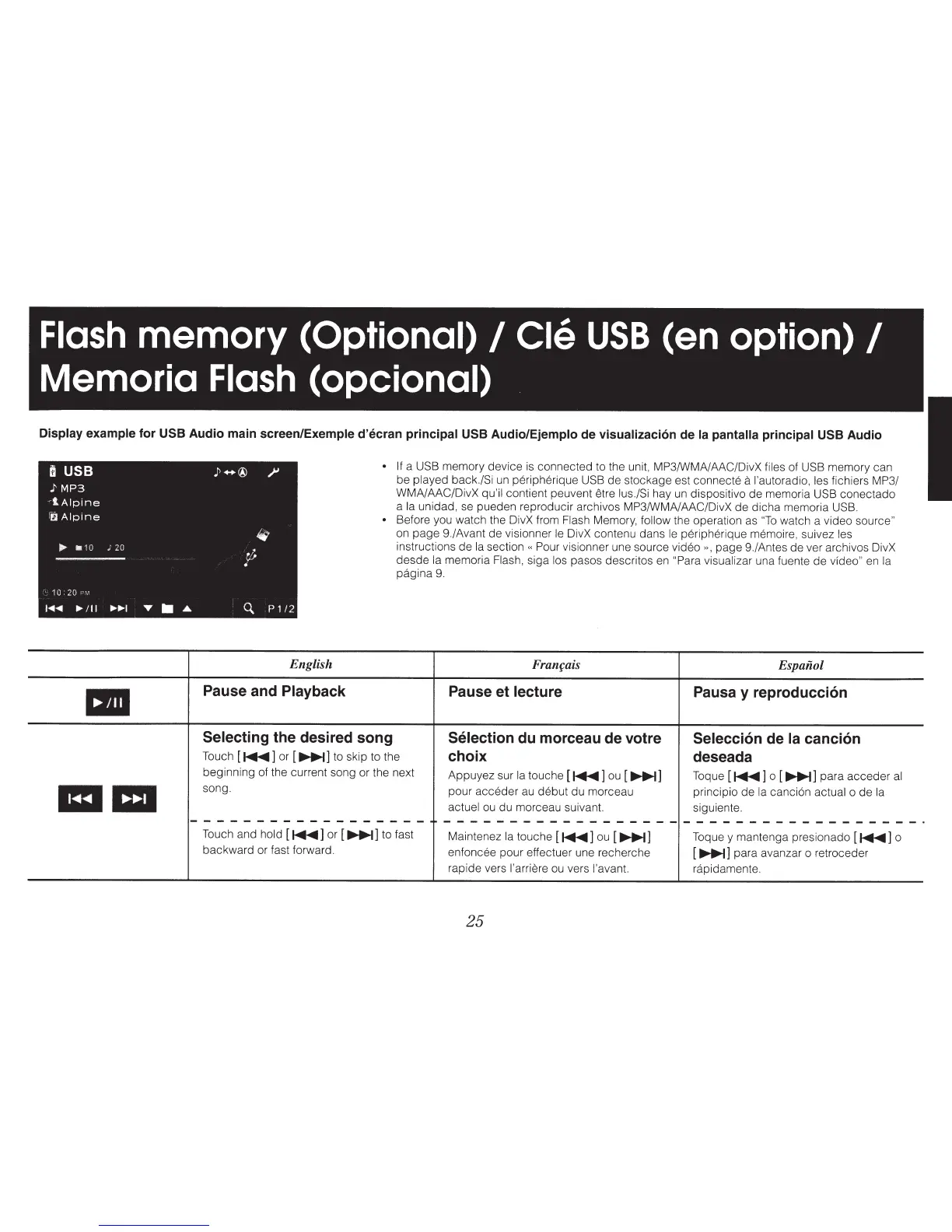
Display example
for
USB
Audio main screen/Exemple
d'ecran principal
USB
Audio/Ejemplo de visualizaci6n de
Ia
pantalla principal
USB
Audio
•
a a
English
Pause and Playback
•
If
a
USB
memory device
is
connected to the unit, MP3/WMA/AAC/DivX files of
USB
memory can
be played back./Si
un
peripherique
USB
de stockage est connecte
a
l'autoradio,
les
fichiers MP3/
WMA/AAC/DivX
qu'il contient peuvent etre lus./Si
hay
un
dispositivo de memoria USB
conectado
a
Ia
unidad,
se
pueden reproducir archivos MP3/WMA/AAC/DivX de dicha memoria USB.
• Before you watch the DivX from Flash Memory,
follow
the operation as
"To
watch a video source"
on
page 9./Avant de visionner
le
DivX contenu dans
le
peripherique memoire, suivez
les
instructions de
Ia
section
«
Pour visionner une source video
»,
page 9./Antes de ver archivos DivX
desde
Ia
memoria Flash, siga los pasos descritos
en
"Para visualizar una fuente de
vfdeo"
en
Ia
pagina
9.
Franfais Espaiiol
Pause et
lecture
Pausa y reproducci6n
Selecting
the desired song
Selection
du morceau de votre
Selecci6n
de
Ia
canci6n
Touch [
~]
or [
111•·•1]
to skip to the
choix
deseada
beginning of the current song or the next
Appuyez sur
Ia
touche [
~]
ou
[
~]
Toque [
~]
o [
~]
para acceder
al
song.
pour acceder
au
debut du marceau
principia de
Ia
canci6n actual o de
Ia
actuel
ou
du marceau suivant. siguiente.
------------------
------------------
------------------·
Touch and
hold
[
~]
or [
~]
to fast
Maintenez
Ia
touche [
~]
ou
[
~]
Toque y mantenga presionado [
~]
o
backward or fast forward.
enfoncee pour effectuer une recherche
[
~]
para avanzar o retroceder
rapide vers
l'arriere
ou
vers l'avant. rapidamente.
25



 To Next Page