iXE-W400E Software Update Instruction Manual
1.5 Copy all of the content les and then paste them to the root directory of your USB ash
drive
1.6 Once the les have nished copying to the USB, safely remove the USB from the com-
puter.
Step Two: Updating the iXE-W400E
2.1 Before performing the update please ensure the unit is completely turned o.
2.2 Insert the USB that contains the update le into the unit. (Either port 1 or port 2)
2.3 Start the your vehicle to turn on the unit.
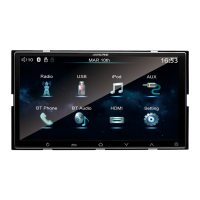
2.4 The update will run automatically once the unit is turned on. Once you see the following
images you know the update is running successfully.


 To Next Page











