English
20
Valet
When the system is placed into the valet
mode, it is temporarily placed on “hold.”
When in the valet mode, the system will not
arm and all sensors are disabled. However,
during this mode, the remote control
transmitter can be used to lock and unlock
the doors, activate the EXT outputs, or
panic the system.
To Place into the Valet
Mode
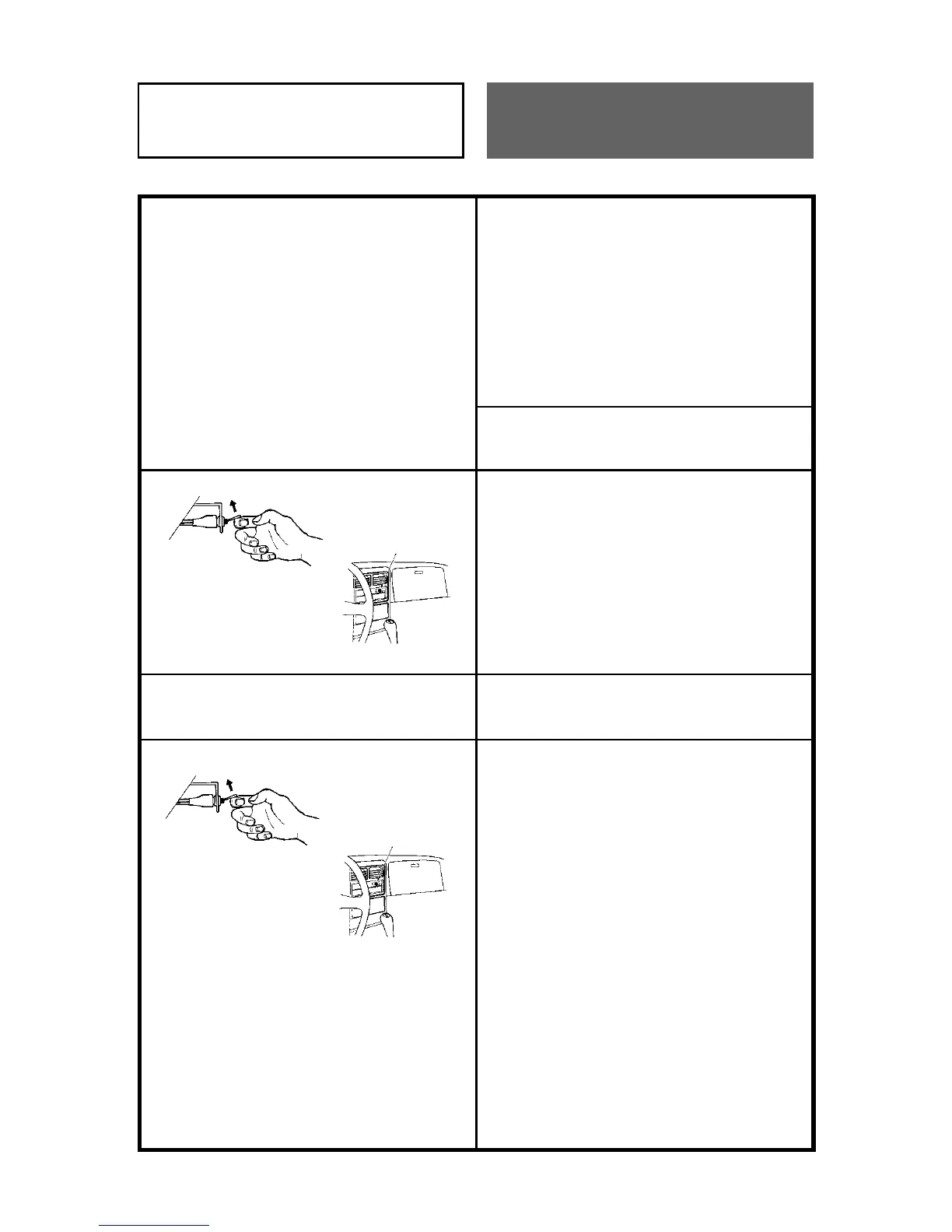
1. Turn the disarm/valet switch to the ON
position when the ignition is off and the
system is disarmed.
2. The extension LED will illuminate for two
seconds to indicate that the system is in
the valet mode.
To Exit from the Valet Mode
1. Turn the disarm/valet switch to the ON
position when the ignition is off and the
system is in the valet mode.
2. The extension LED will blink twice to
indicate that the system is in the disarm
mode.
Note:
• The SEC-8028 can be placed in a
Protected Valet Mode, in which the hood
and/or trunk sensor remains armed. To
place the system in, or exit from,
Protected Valet Mode, press and hold the
EXT1/VALET button on the remote
control. The extension LED will
illuminate (as described above) to
indicate that the system is in (or exited
from) Protected Valet Mode.



 To Next Page