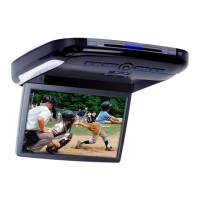
4-EN
Basic Operations
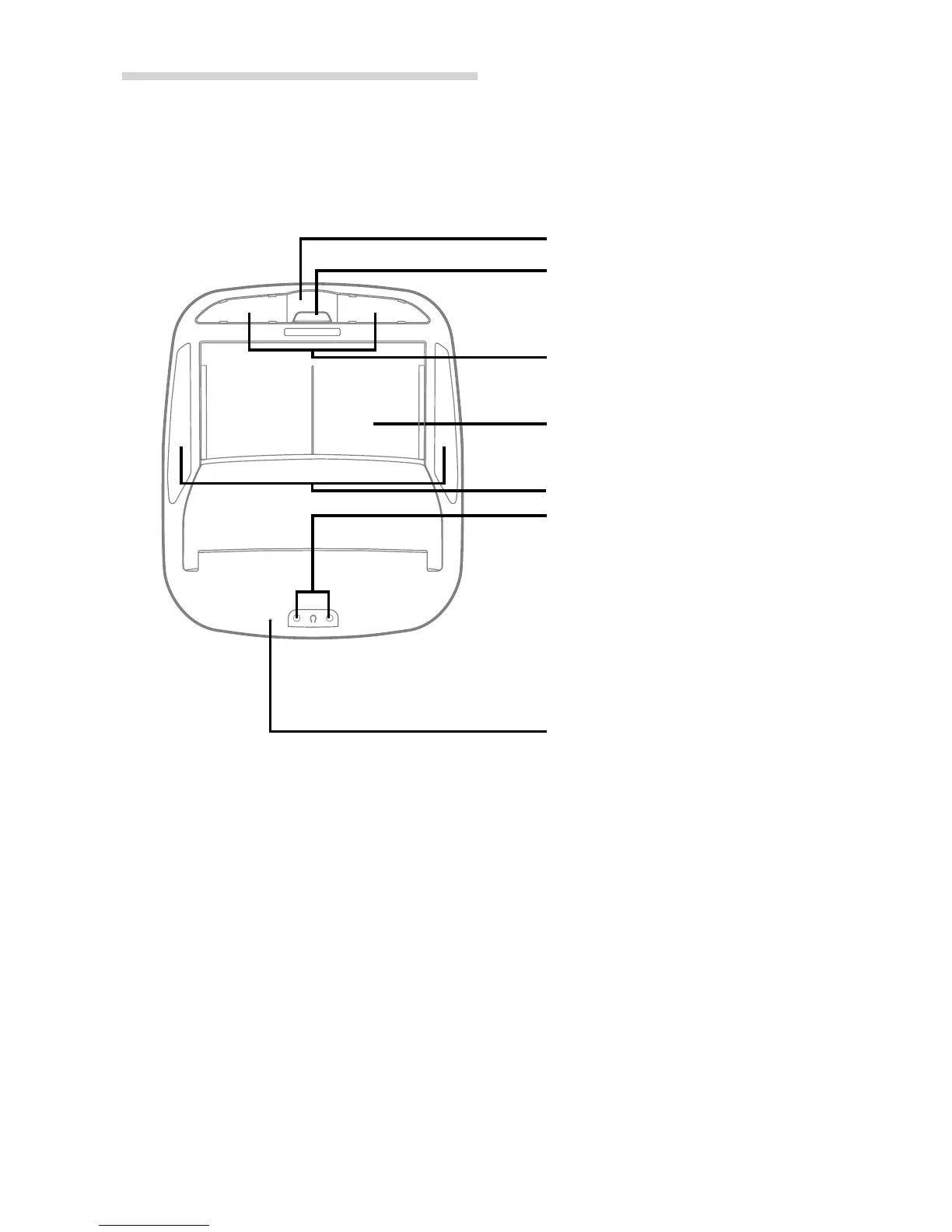
Remote Sensor
Dome Light
Monitor Display Panel
Headphone Outputs
Two output jacks (mini-phono plug)
are provided for wired headphones.
Output level is adjusted using the
Volume UP/DN buttons on the remote
control.
NOTE
Plugging a headphone into either
jack will mute the Variable Audio Output.
RESET Switch
Immediately after installing or applying
power to the unit, it should be initialized.
Using a pencil or other pointed object,
press this RESET switch to complete the
initialization procedure.
Monitor Display
OPEN/CLOSE Button
Wireless Headphone Transmitter
Parts Names of the Overhead Monitor


 To Next Page