TWS
PAIRING
OPERATIONS
TWS
There
are
two
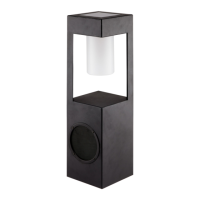
speakers
Operation
Instruction
Turn on the
two
speakers, short press"
'el
" buttons on each speaker, which
will
come i
nto
TWS
pairing
mode
with
sound notication and
white
TWS
indicator
will
blink. They
will
pair
automatically. And once paired successfully, there
will
be
"du"
sound
noticat
i
on
and white
TWS
indicator
will
stay on. Open
the
setting and select
"AD-SPKl" on
the
Bluetooth name list in the phone, click it,
then
the smartphone
can pair
with
the
two
speakers together. Short press "
Cl>
"
button
of
any speaker
to
disconnect
TWS
pairing
the
white
TWS
indicator goes off.
Notice: For
TWS
pairing, pis let
the
two
speakers connected firstly, then use
smartphone
to
connect
with
the master speaker.
03



 To Next Page