9
Enhanced Remote Features
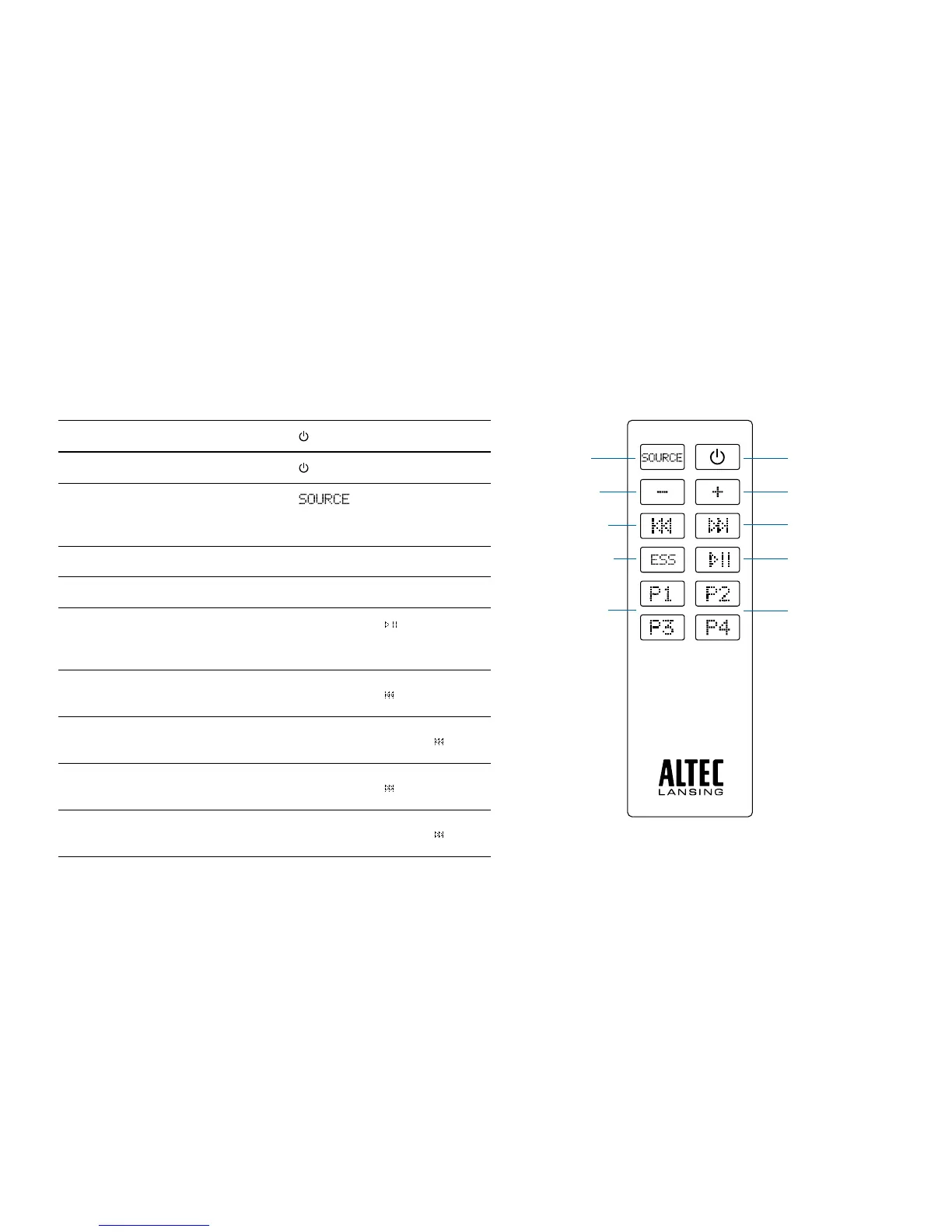
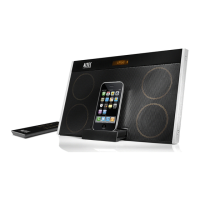
The enhanced remote lets you operate many functions of your Altec Lansing
inMotion Max speaker system:
Turn on your speaker system
Press the
button.
Turn off your speaker system
Press the
button.
Changeaudiosource
Press the
button to cycle through
andselecttheaudiosource:iPod,FMradio
or AUX.
Turn up the volume Pressthe+button.
Turn down the volume Pressthe–button.
Play/Pauseasongonyour
iPhone or iPod
In “iPod” mode, press the
button to begin
playing a selected track. Press the button
again to pause it.
Skiptothebeginningofthecurrent
song on your iPhone or iPod
In “iPod” mode, press the
button.
Rewindthecurrentlyplaying
track on your iPhone or iPod
In “iPod” mode, press and hold the
button.
Skiptothebeginningofthenext
song on your iPhone or iPod
In “iPod” mode, press the
button.
Fast-forwardthecurrentlyplaying
track on your iPhone or iPod
In “iPod” mode, press and hold the
button.
Poweron/offbutton
Sourcebutton
Play/pausebutton
Volume increase
button
Volume decrease
button
Track back button
Track forward button
FMpresetbuttons
FMpresetbuttons
ExpandedSound
Stagetechnology
button


 To Next Page