AL Shockwave
Bluetooth Connection
Party-sync with AL SHOCKWAVE Family
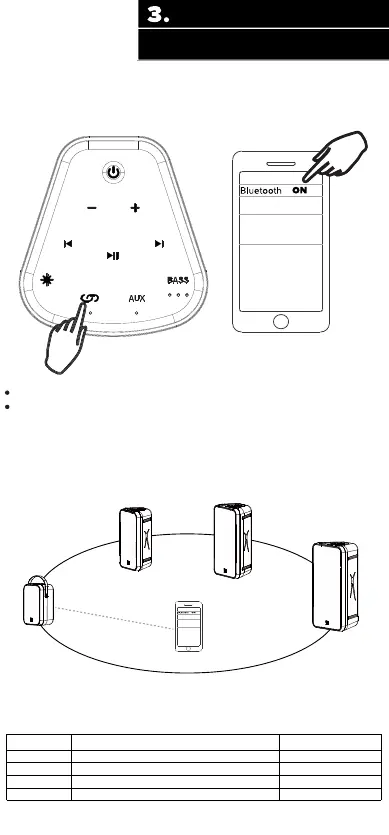
Go to the Bluetooth settings menu on your phone. Make sure
that Bluetooth is turned on. Connect to the device listed
as “AL Shockwave ”
Speaker will enter into BT mode when powered on;
Briey press the BT button to enter into BT mode;
Item Number Item name Pairing Name
IMT7000
IMT7100
IMT7200
IMT7300
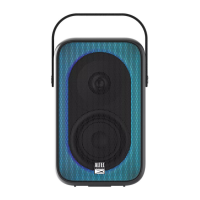
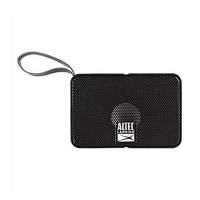
Shockwave Wireless Party Speaker AL Shockwave
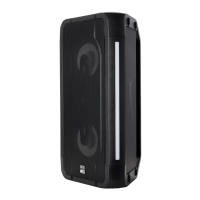
Shockwave 200 Wireless party speaker
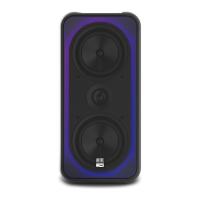
Shockwave 300 Wireless Party Speaker
Shockwave 400 Wireless Party Speaker
AL Shockwave 200
AL Shockwave 300
AL Shockwave 400
AL Shockwave
If you want to change to a dierent BT device when already paired press and
hold the BT button, the speaker will disconnect from its paired device. A dierent
device can now be paired.
A double press of the BT button is used to enter/exit party-sync mode on
extra speakers if you have them as below.




 To Next Page