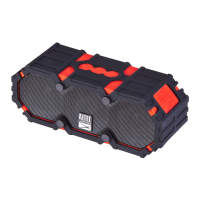
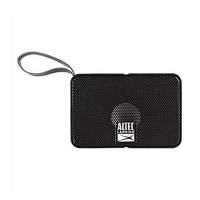
AL SoundRover
Bluetooth
AUDIO MODES
4.
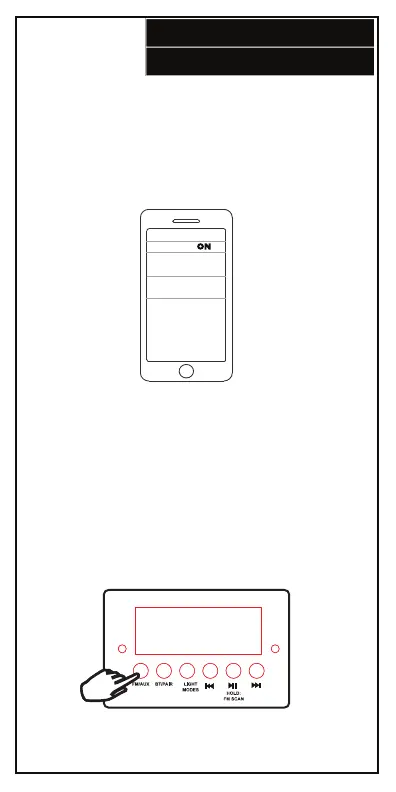
Bluetooth Pairing:
Go to the Bluetooth page in Settings. Make sure
Bluetooth is on before connecting to the available
device “AL SoundRover”.
If the speaker does not automatically go into pairing
after turning it on press the BT/Pair button.
FM Radio:
1. Press and hold the Play/Pause button to perform a
scan of the FM band. The SoundRover will store the
strongest stations as presets.
2. Press the Next/Scan and Previous/Scan buttons to
move a preset.
3. Press and hold the Next/Scan and Previous/Scan
buttons to scan to the next strongest radio station.




 To Next Page