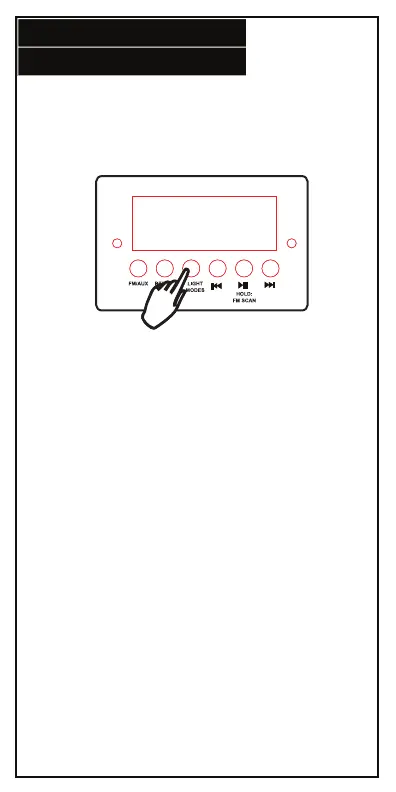
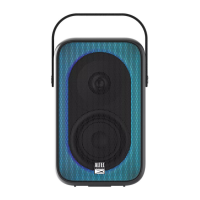
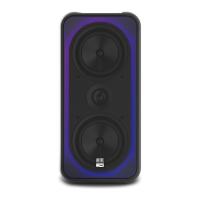
LIGHT MODE
5.
Press the Light Mode button to toggle through the
different modes. Press and hold the button for three
seconds to turn the side LEDs ON/OFF.
Mode 1: Multicolor swirl
Mode 2: Back and forth
Mode 3: Thin swirl
Mode 4: Slow multicolor ring
Mode 5: Fast multicolor ring
Mode 6: Multicolor ring
Mode 7: Slow multicolor, growing ring
Mode 8: Fast multicolor, growing ring






 To Next Page