EasyManua.ls Logo

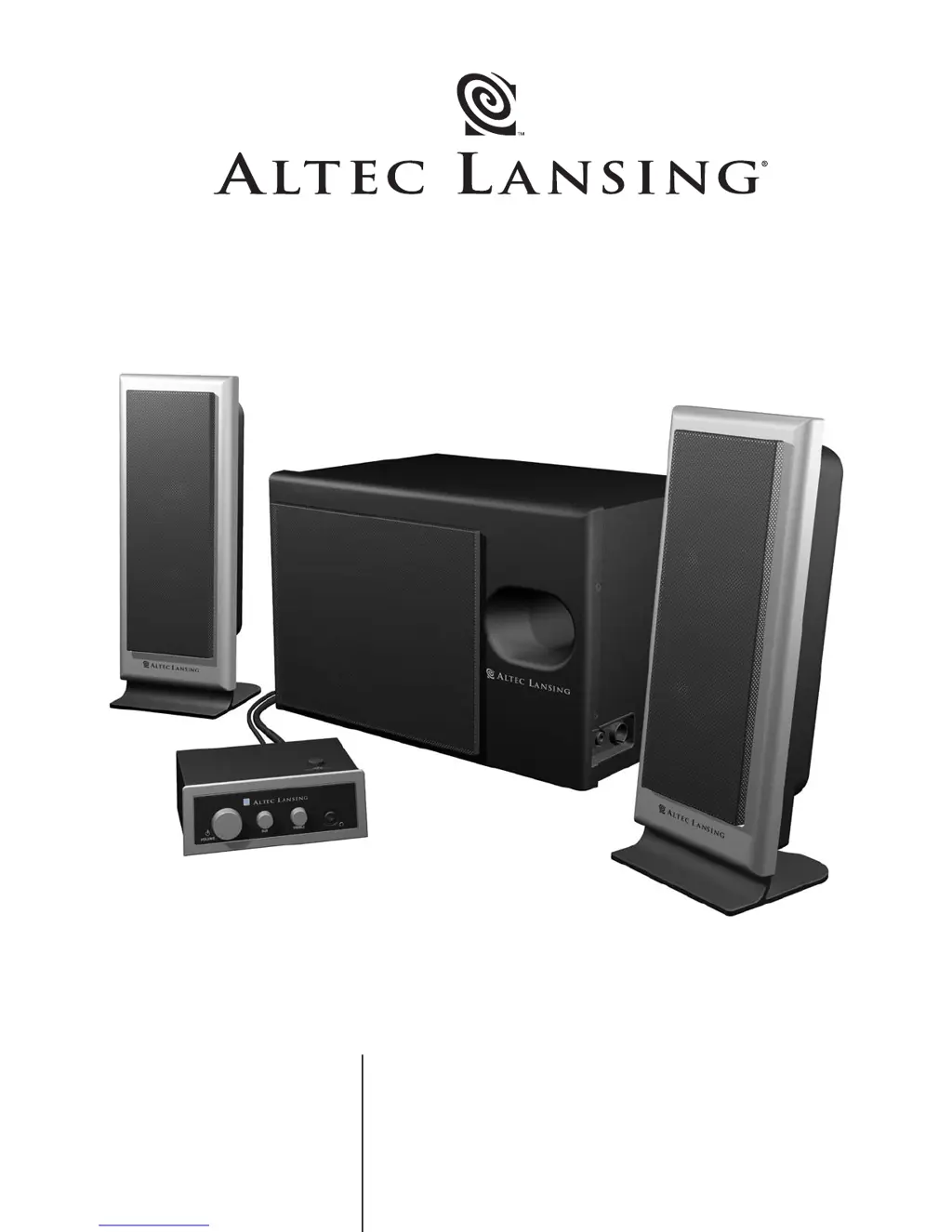
Altec Lansing VS-3121 - User Manual

Altec Lansing VS-3121
20 pages
Print Icon
To Next Page IconTo Next Page
Loading...
User’s guide Guía del usuario
Mode d’emploi Guia do Usuário
VS
3121

Questions and Answers

  • E
    edwardlarsonAug 14, 2025
    How to fix crackling sound from Altec Lansing Speaker System?
    • G
      gmoralesAug 14, 2025
      To address crackling sounds from your Altec Lansing speakers: * Inspect all cable connections, ensuring they're firmly plugged into the 'line-out' or 'audio-out' jack of your sound card or audio source, and not the 'speaker-out' jack. * Also, check the volume level in your computer's operating system and reduce it if it's too high. * If the issue continues, try using an alternate audio source (like a Walkman or FM radio) to see if the problem lies with your original device.
  • P
    Peggy HendersonAug 17, 2025
    What to do if Altec Lansing VS-3121 Speaker System sound is distorted?
    • W
      William OdomAug 17, 2025
      If the sound from your Altec Lansing speakers is distorted: * Try lowering the volume using the VOLUME knob. * Also, check your computer's operating system volume level and adjust the volume and balance levels to the center, and then adjust the speaker volume. * Consider the sound source; WAV files may be of poor quality, so try a different source like a music CD.
  • L
    Laurie WareAug 21, 2025
    How to fix too much bass from Altec Lansing Speaker System subwoofer?
    • S
      Sharon MartinAug 21, 2025
      If the subwoofer on your Altec Lansing speaker system is producing too much bass, decrease the subwoofer volume on the control pod.
  • B
    bryan55Aug 25, 2025
    What to do if Altec Lansing VS-3121 monitor is distorted?
    • D
      Daniel FarrellAug 25, 2025
      If your monitor is distorted when using the Altec Lansing speaker system, it's likely because the subwoofer is too close to the monitor. Since the subwoofer is not magnetically shielded, move it at least 2 feet away from your monitor.
  • C
    Cameron CantuAug 27, 2025
    What to do if there is no sound from Altec Lansing Speaker System?
    • S
      Sharon KimAug 27, 2025
      If you're not getting any sound from your Altec Lansing speakers, there are a few things to check: * First, ensure the AC power cord is properly connected to the wall outlet. * Then, make sure the volume isn't set too low by turning the VOLUME knob clockwise. * Also, verify the 3.5mm stereo cable is securely connected to the correct output (line-out, audio-out, or headphone jack) on your audio source. * If the problem persists, test the speakers with another audio device to rule out an issue with your original source.
  • D
    Dennis VazquezAug 31, 2025
    Why is there no sound from Altec Lansing Speaker System subwoofer?
    • M
      Michael MartinezAug 31, 2025
      If you're not hearing any sound from the subwoofer of your Altec Lansing speaker system: * First, ensure that the subwoofer volume is not set too low by increasing it on the control pod. * Next, check all cable connections to confirm they are properly connected and secure.
  • S
    susan95Sep 3, 2025
    How to stop radio interference in Altec Lansing VS-3121?
    • K
      kathleen93Sep 3, 2025
      If your Altec Lansing speakers are experiencing radio interference, the solution is to move your speakers until the interference disappears. This may be due to proximity to a radio tower.
  • M
    matthewsilvaSep 6, 2025
    What causes loud hum from Altec Lansing Speaker System subwoofer?
    • N
      Natasha HernandezSep 6, 2025
      A loud hum from your Altec Lansing subwoofer can be caused by a bad connection or high volume on your audio source device. Try these steps: * Unplug the AC power cord from the surge protector (if you're using one) and plug it directly into a wall outlet. * If the hum persists, disconnect the 3.5mm stereo cable from your audio source. If the hum stops, lower the volume on your audio source.
  • M
    Mathew FordSep 10, 2025
    Why Altec Lansing Speaker System LEDs are not lit?
    • J
      Jody RodriguezSep 10, 2025
      If the LEDs on your Altec Lansing speaker system are not lit, it could be due to a few reasons: * First, make sure the power is turned on by turning the VOLUME knob on the control pod until you hear a click. An LED should light up. * Check if the AC power cord is properly connected to the wall outlet. * If you're using a surge protector, ensure it's switched on. * Finally, verify the wall outlet is functioning by plugging another device into it.

Summary

Important Safety Instructions

General Safety Precautions

Adhere to all safety and operating instructions, warnings, and heed all warnings.

Appliance Usage Warnings

Do not expose to rain or moisture, ensure proper ventilation, and keep away from heat sources.

Warranty and Customer Support

One-Year Limited Warranty

Covers defects in material and workmanship for one year from date of purchase.

Customer Service and Contact

Assistance for setup, performance questions, and contact information.

International Distribution Information

Guidance for international customers seeking product distribution information.

Speaker System Setup and Operation

Speaker Placement Guide

Guidance on positioning the subwoofer and satellite speakers for optimal sound.

Connecting the Speaker System

Step-by-step instructions for connecting speakers, control pod, and audio sources.

Audio Source Connections

Instructions for connecting to PC, gaming consoles, and portable audio devices.

System Controls Overview

Explanation of volume, subwoofer volume, treble control, and SFX technology.

System Specifications and Troubleshooting

Technical System Specifications

Details on sound pressure level, power, frequency response, and drivers.

Troubleshooting Common Issues

Solutions for problems like no LEDs, no sound, crackling, and distorted audio.

Altec Lansing VS-3121 Specifications

General IconGeneral
BrandAltec Lansing
ModelVS-3121
CategorySpeaker System
LanguageEnglish

Related product manuals