GE TTING STARTED W ITH ALTERA’S DE-SER IES BOARDS For Quartus Prime 16.0
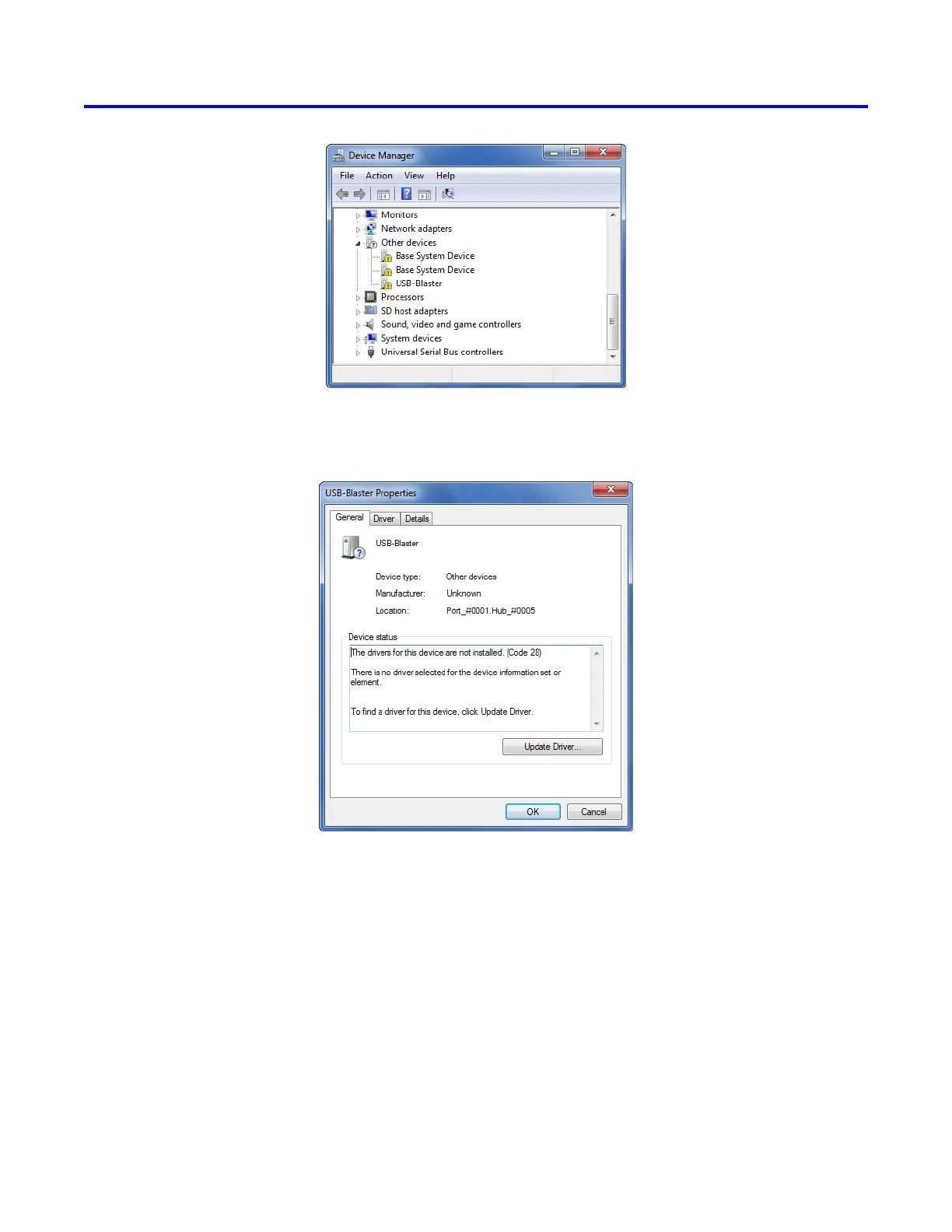
Figure 2. Click USB-Blaster in the Device Manager.
Figure 3. Click the Update Driver button.
In the General tab select Update Driver, which opens the window in Figure 4. The driver is available within the
Quartus Prime software. Hence, select Browse my computer for driver software. In the window in Figure 5 check
Include subfolders and click Browse to get the pop-up box in Figure 6.
4 Altera Corporation - University Program
May 2016



 To Next Page