DE2-70 User Manual
15
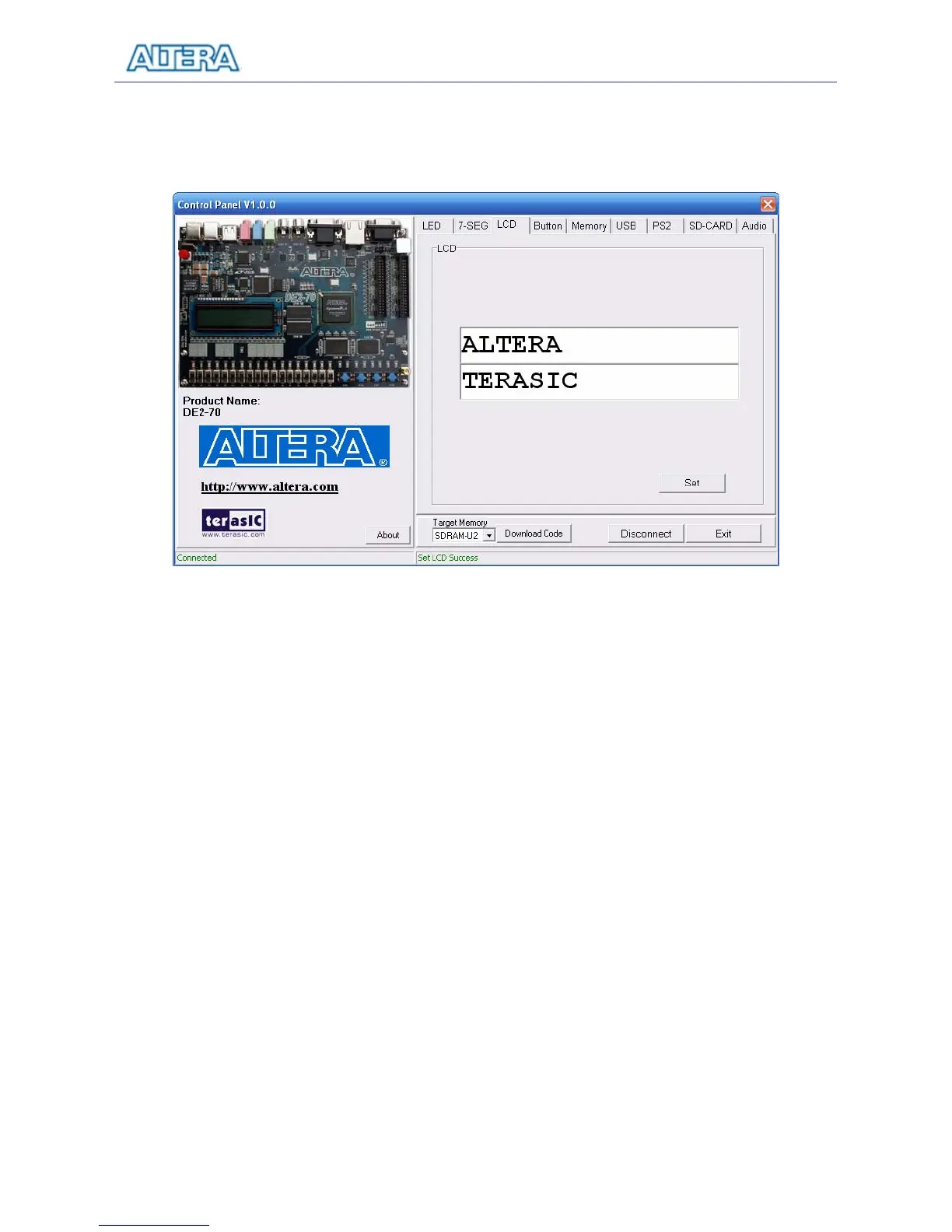
Choosing the LCD tab leads to the window in Figure 3.5. Text can be written to the LCD display by
typing it in the LCD box and pressing the Set button.
Figure 3.5. Controlling LEDs and the LCD display.
The ability to set arbitrary values into simple display devices is not needed in typical design
activities. However, it gives the user a simple mechanism for verifying that these devices are
functioning correctly in case a malfunction is suspected. Thus, it can be used for troubleshooting
purposes.
3.3 Switches and Buttons
Choosing the Button tab leads to the window in Figure 3.6. The function is designed to monitor the
status of switches and buttons in real time and show the status in a graphical user interface. It can be
used to verify the functionality of the switches and buttons.
Press the Start button to start button/switch status monitoring process, and button caption is
changed from Start to Stop. In the monitoring process, the status of buttons and switches on the
board is shown in the GUI window and updated in real time. Press Stop to end the monitoring
process.



 To Next Page