DE2-70 User Manual
22
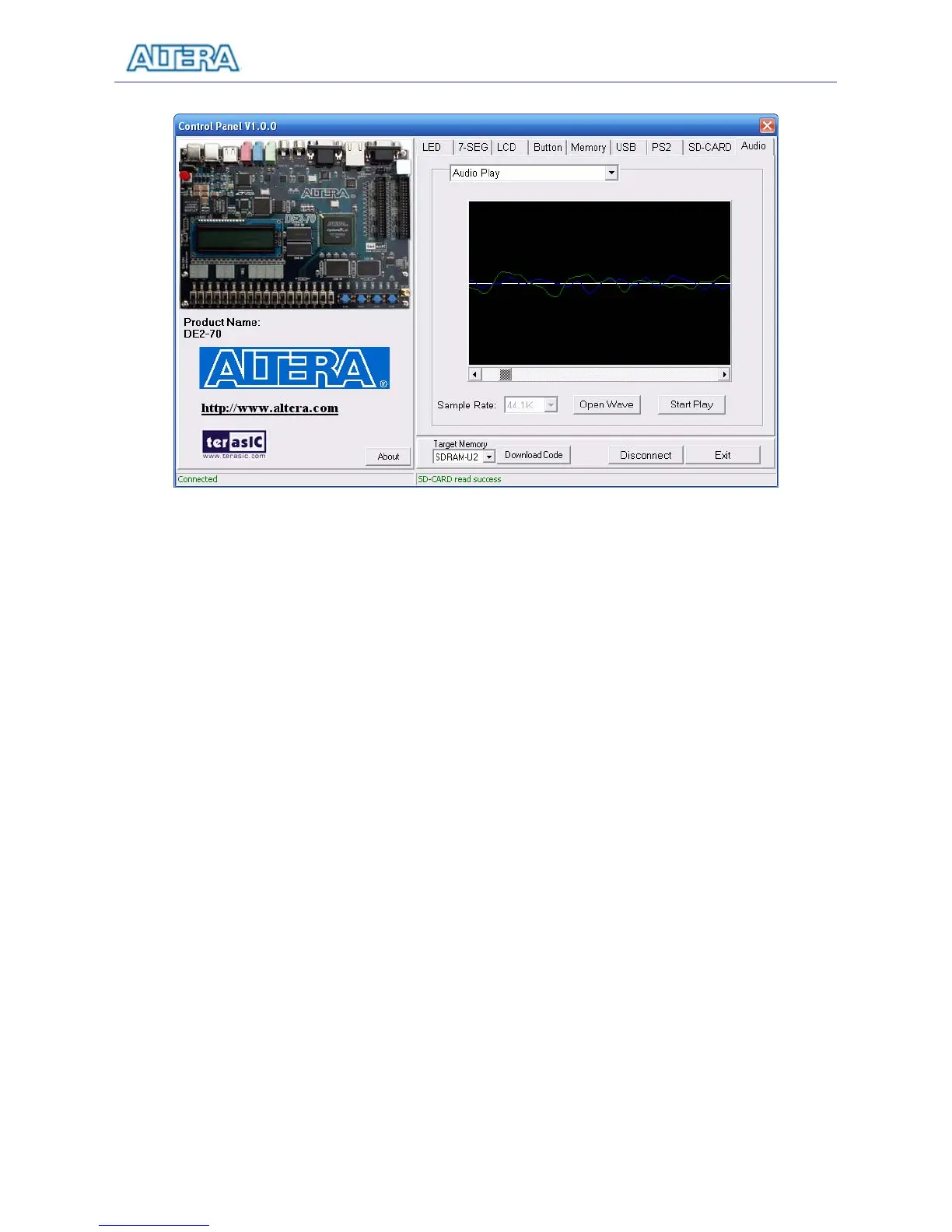
Figure 3.11. Playing audio from a selected wave file
To record sound using a microphone, please follow the steps below:
1. Plug a microphone to the MIC port on the board.
2. Select the “Record MIC” item in the com-box and select desired sampling rate, as shown in
Figure 3.12.
3. Click “Start Record” to start the record process. The program will configure the audio chip
for MIC recording, retrieve audio signal from the MIC port, and then save the audio signal
into SDRAM-U1.
4. To stop recording, click “Stop Record”. Finally, audio signal saved in SDRAM-U1 will be
uploaded to the host computer and displayed on the waveform window. Click “Save Wave”
to save the waveform into a WAV file.



 To Next Page