11
SECTION 1 BT PRO LCD V4
BT+ (Brain Tuner Plus):
Our most popular
and useful Program!
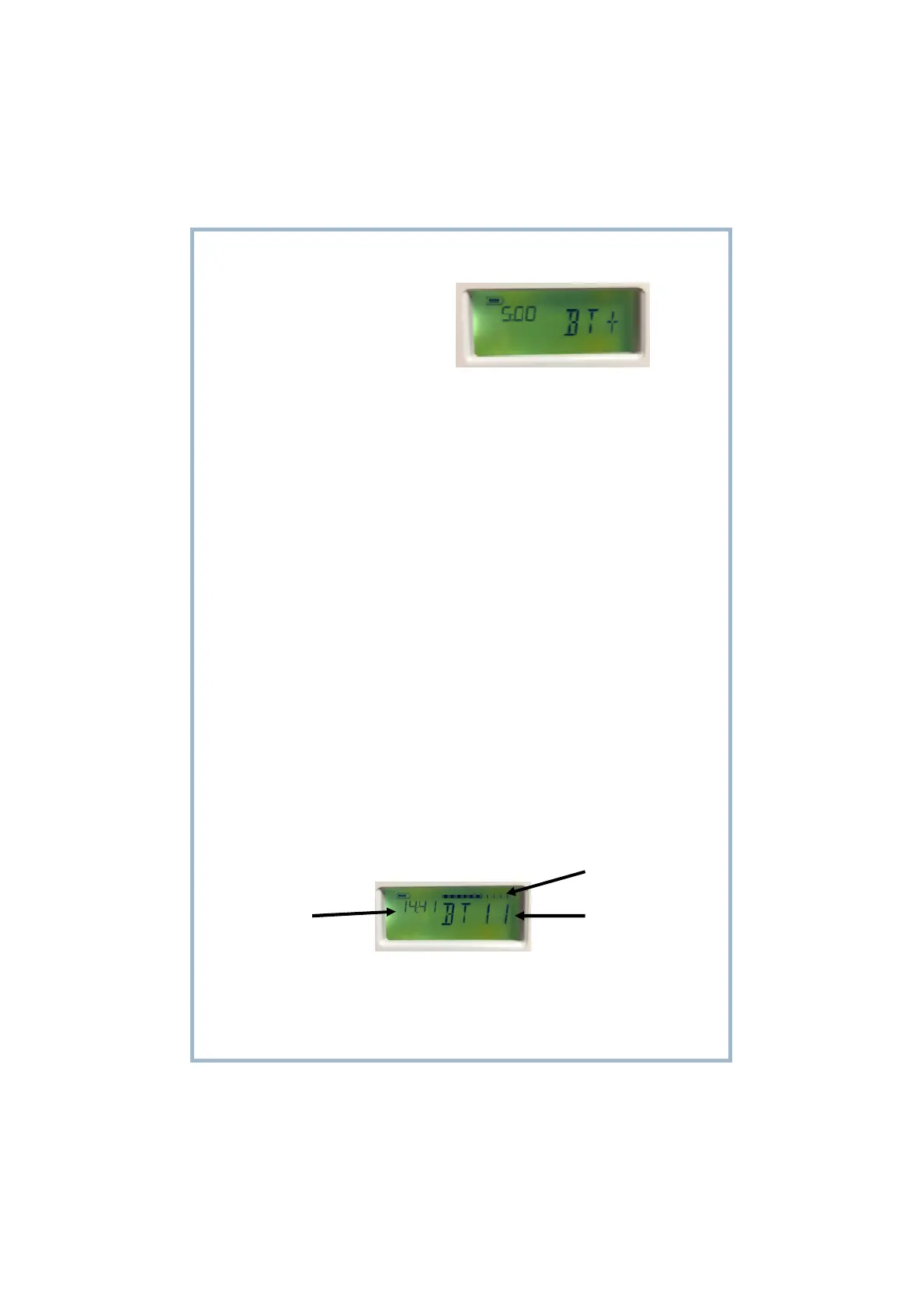
BT+ (Fig 9) is the basic function and includes these frequencies:
0.5Hz, 1.5Hz, 5Hz, 7.83Hz, 10Hz, 15Hz, 100 Hz , 500Hz, 528Hz, 15000Hz, BT11.
It outputs a bi-polarity equal pulse width square waveform.
Timer selections are from 5 to 100 minutes.
EASY STEPS TO OPERATE:
1) Drink a large glass of water 10-15 minutes prior to beginning any session.
2) Connect the ear clips or gel pads as shown on pages 12 and 27
3) Switch the Main Power Switch to the up (on) position (8).
4) Press the red Power button (11) to power the unit on.
5) Scroll up or down to choose the BT+ program. The selection will flash until you select this
by pressing the Select button (7)
6) Set the timer by scrolling up/down to choose the desired running time of the program.
Press Select (7) to confirm and program this. The timer will flash until this has been pro-
grammed.
7) Select the frequency you wish to use by scrolling up/down and pressing Select (7) to pro-
gram this. The frequency will flash until this has been programmed. At this stage the program
will begin and the timer will begin counting down.
8) Raise the Intensity by pressing or press and hold the up button (10) to raise the intensity to
a comfortable level. The program will finish and the unit will switch off once the timer counts
down to zero.
Select program
Set intensity
Set timer



 To Next Page