8
Battery Charging:
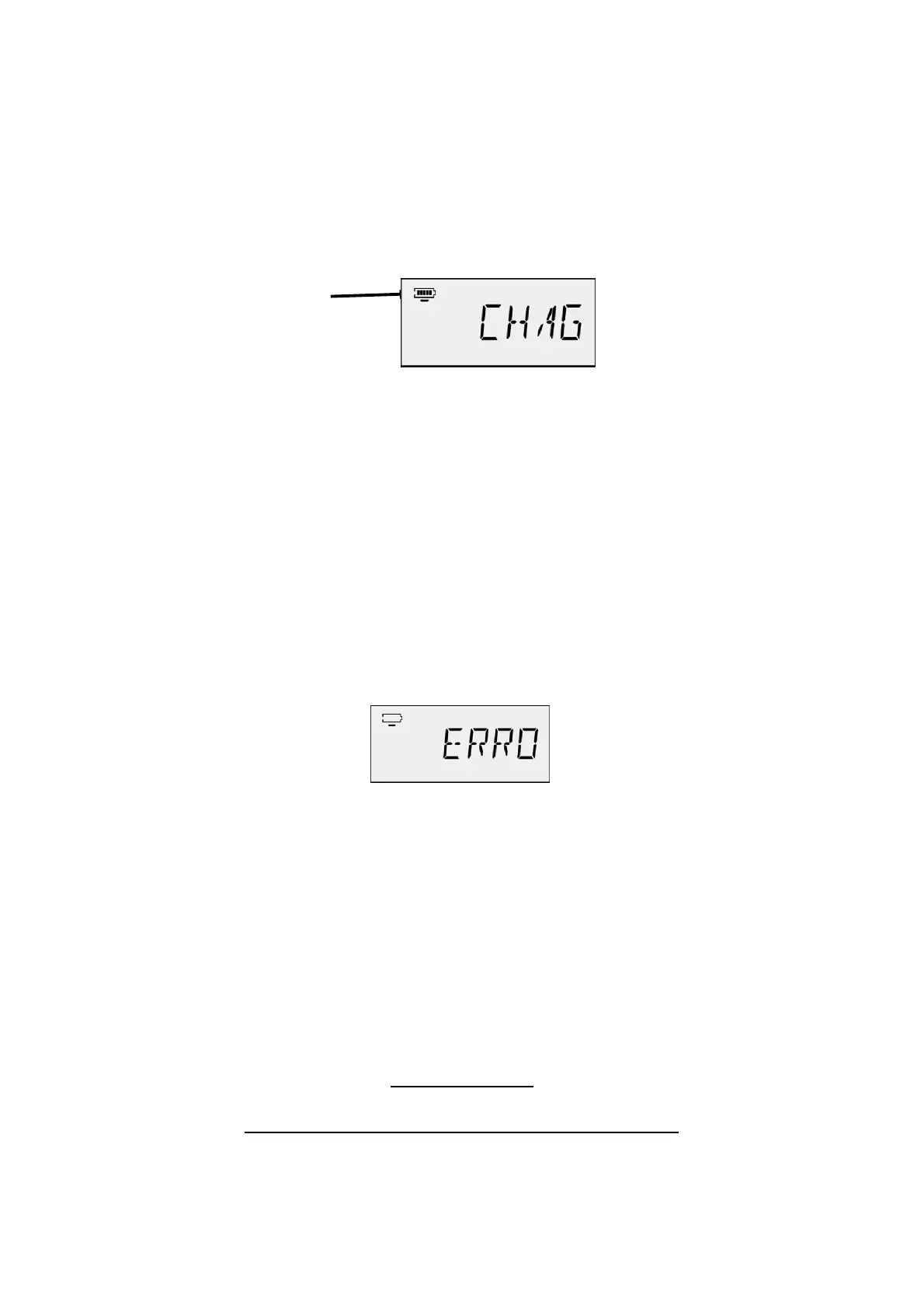
The battery level icon is at top left of the LCD screen (below). Full 5 blocks
means battery is full, less number of blocks means less battery power. If no
block is illuminated this means that the battery level is very low and must be
charged. When the battery is being charged, an underscore line will flash
under the battery block and CHAG will show on the LED screen.
Please note:
*While the battery is being charged, no programs will operate.
*The battery can be charged at anytime, no matter if it’s high or low.
*It is best to charge the battery after each use.
*Charge the battery with Mini USB cable into the 5V DC adaptor only or PC
USB port power.
*IMPORTANT*
Please ensure the correct adaptor is used for charging. 5 volts ONLY!
Using the incorrect charging transformer will void all warranty.
If the Main Power Switch (8) is switched off during charging, a bad quality
battery or the end of the battery life is recognised, an ERROR icon will ap-
pear (as shown below).
Battery icon
IMPORTANT!
To operate and charge this unit switch
the on/off switch on the right hand side
of the unit to the ON position.
When the unit is not in use, switch to OFF to save
battery life and condition
PLEASE NOTE:
The unit will not charge if this switch is off



 To Next Page