11
Play a recording in progress
+ Press DVR on your remote or go to Channel
1001 to get the Recorded List.
+ Use the ARROWS to highlight the program
that is currently recording. An active
recording will have a red dot next to its
name. If the program you’re looking for is a
series, you’ll fi nd it in the series folder.
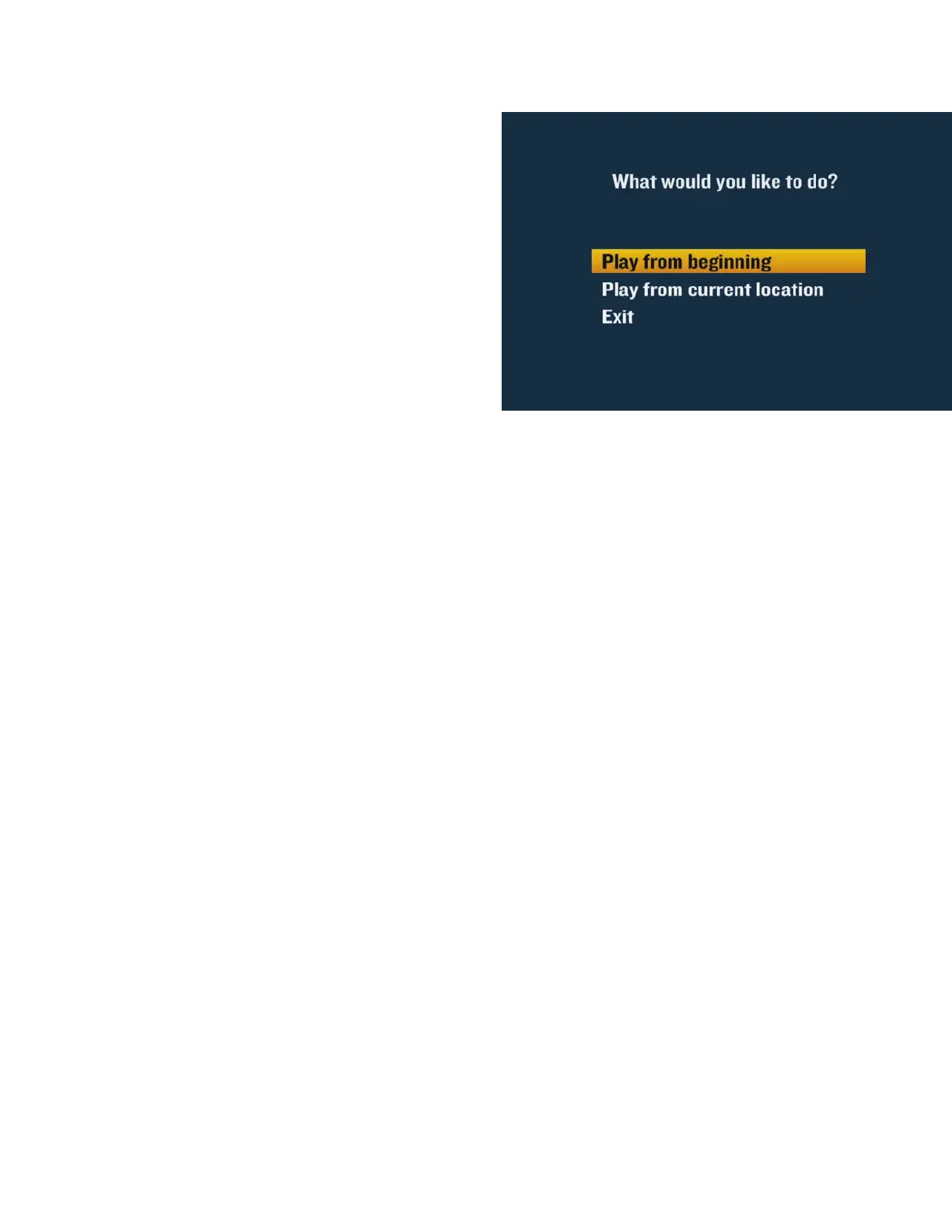
+ Choose “Play from beginning” or “Play from
current location” and press SEL.
Bookmarking
Now, if you’re interrupted while watching a program you recorded, it’s automatically bookmarked,
so you won’t lose your place. Your DVR lets you pick up right where you left off .
+ Press DVR or go to Channel 1001 to get the Recorded List.
+ Use the ARROWS to highlight the program you want to play back.
+ Select “Resume” from the right-hand menu to continue watching the program where you left
off or choose “Restart” to watch from the beginning.


 To Next Page