Need help?
Do you have a question about the Alto MACRO 830 and is the answer not in the manual?
Explains safety symbols, WARNING, CAUTION, and ON/OFF indicators.
Covers safe power supply, external connections, and grounding practices.
Details safe operation, fuse replacement, ventilation, and cleaning procedures.
Emphasizes reading instructions, following warnings, and using approved accessories.
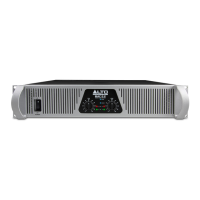
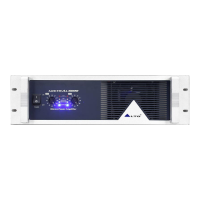
Details the Mains Switch, Power LED, Clip/Signal LEDs, and Level Controls.
Describes the Breaker, AC Inlet, Output Connectors, and Input Connectors.
Instructions for safely connecting the amplifier to the mains power supply.
Recommendations for securely mounting the amplifier in a standard 19" rack.
Explains how to connect audio sources using XLR and 1/4" TRS connectors.
Details how to operate the amplifier in independent stereo mode for both channels.
Explains how to use the amplifier in parallel mono mode, outputting to both channels.
Describes bridged mode for increased power output, specifying impedance requirements.
Provides general advice for installing the amplifier into a sound system.
Warns about speaker capacity and suggests using fuses to protect speakers.
Details power output, input sensitivity, impedance, frequency response, and distortion.
Lists protections, controls, connectors, power supply, dimensions, and weight.
Instructions for filling out and submitting the warranty registration card.
Guidelines for returning the product for warranty service or repair.
Outlines the warranty period, coverage, limitations, and exclusions.

 To Next Page
 General