Operation
Events are reported to the Alula server and the central station. All events use Contact ID
reporting codes.
Ensure that the required events are enabled for reporting. See panel programming sections
above.
Remote control of the system can be done through the Alula apps on Honeywell Vista and DSC
panels. Arming and disarming control and status apply only to partition 1.
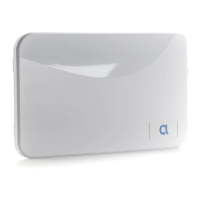
Enroll/Reset button will reset the BAT-Connect if held for 5 seconds, and if held for approximately
10 seconds will factory default the BAT-Connect.
LED indicators
LED Indication
Power Pulses every second
Panel Bus
Flashing fast - attempting to discover panel type
Flashing slow - panel identied, attempting to connect to panel
On - connected to panel
Device Link Not used, always off
Cellular, Wi-Fi,
Ethernet
Off - interface not used
Flashing slow - attempting server connection using this interface
On - connected to server using this interface
Short blink every 2 seconds (cellular LED only) - this is a backup interface, last
test was successful
Update
Off - no connection to server
Flashing - update is in progress
On - all rmware is up to date
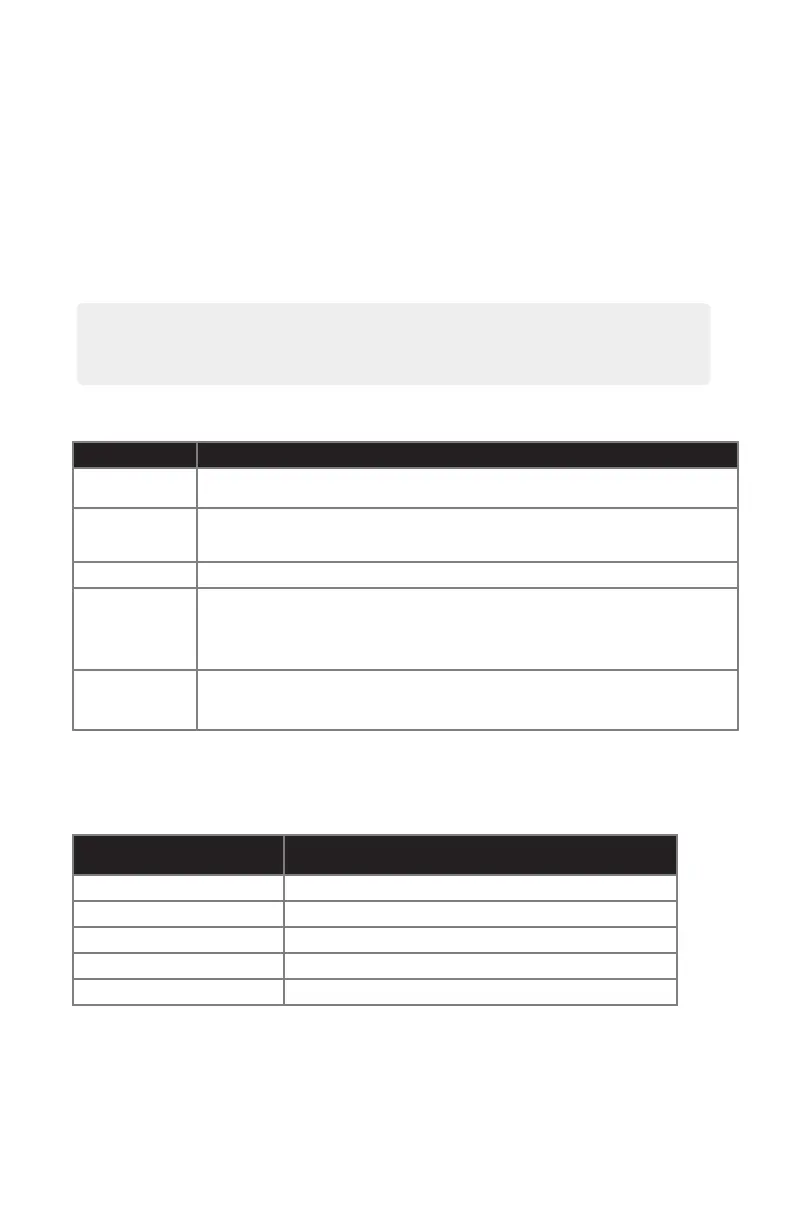
Cellular signal bar LEDs indicate the quality of the cellular connection. A minimum of two signal
bar LEDs is recommended.
Number of Signal Bar LEDs
Lit
Cellular Signal Strength
0 Bad (0-6)
1 Marginal (7-11)
2 Acceptable (12-16)
3 Good (17-21)
4 Best (22+)
All LEDs ash on then off twice when the BAT-Connect is factory defaulted.
• All LEDs ash on then off twice when the BAT-Connect is factory defaulted.
• When you change panel types, you must default the BAT-Connect.


 To Next Page
 Loading...