Connecting to the Internet
Libre Touch can join available Wi-Fi networks and connect to the
Internet.
Turn on Wi-Fi: From Home screen, open the Main Menu and
choose Wi-Fi.
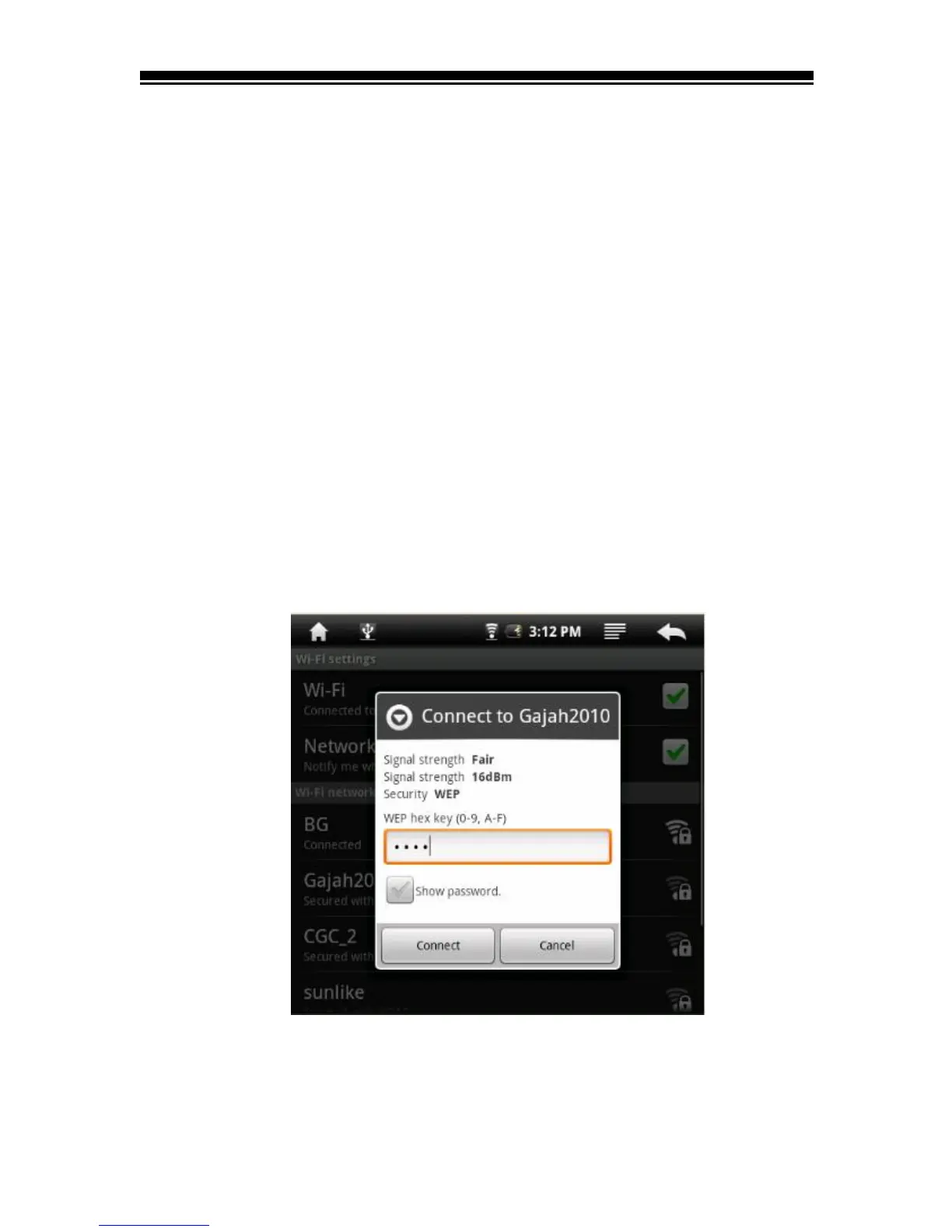
Join a Wi-Fi network: Select from a list of available Wi-Fi
networks. If necessary, enter a password and tap Connect button.
(networks that require a password appear with a lock icon).
Once you’ve joined a Wi-Fi network manually, your Libre Touch
will automatically connect to that network whenever the
network is in range.



 To Next Page