Using the Web Browser
Open a webpage:
After opening the Browser, tap to display options
menu, then tap "Go" to bring up the address field.
Tap the address field (on the left side of the title bar, then
type theweb address and tap "Go".
Tap on a link listed on the search results to open a webpage.
Slide your finger up and down to scroll left and right on the
page.
To return to the previous page, tap the button.
NOTICE:Browser start page always defaults to Google home
page.
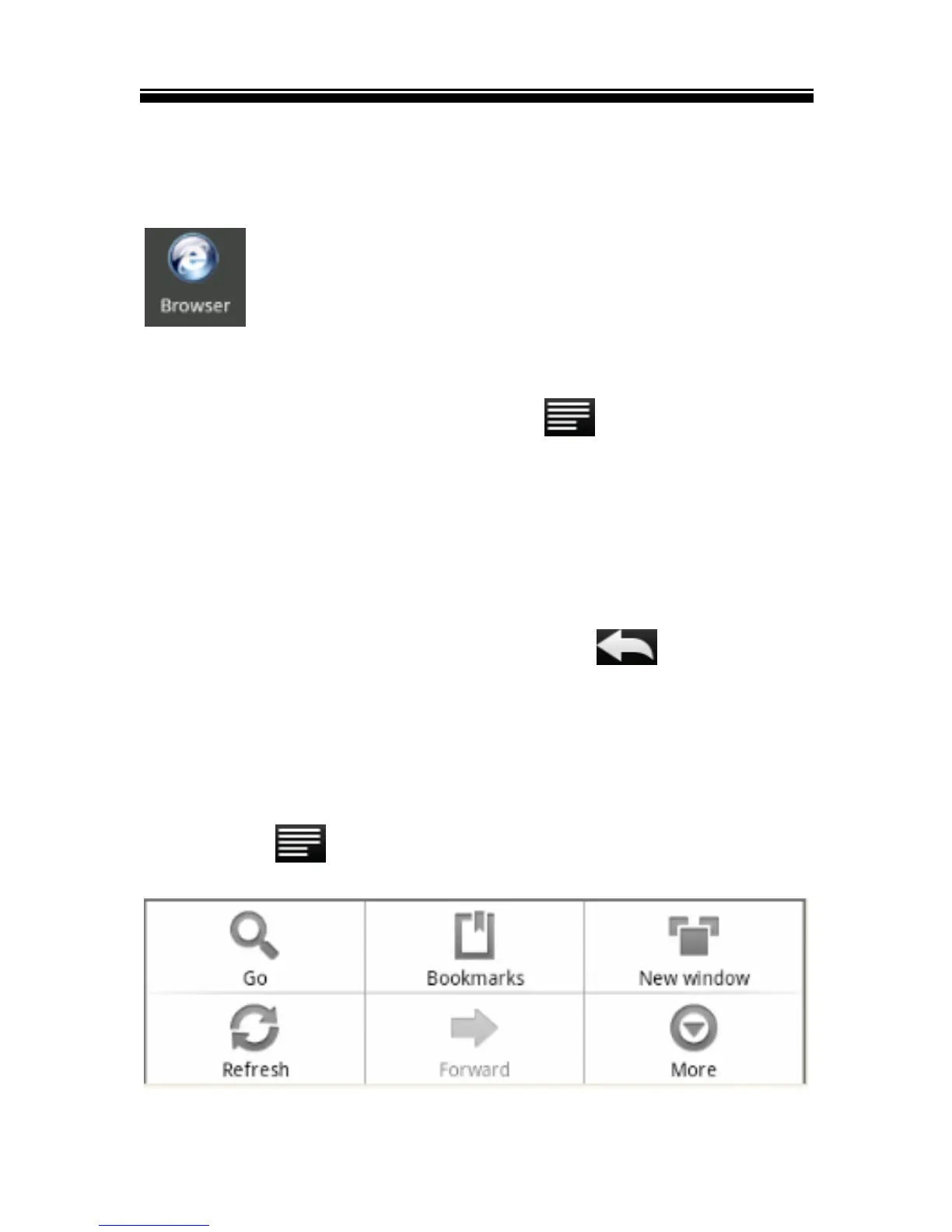
Using Web Browser menu
You can tap to display the browser menu.



 To Next Page