More Applications
Alarms
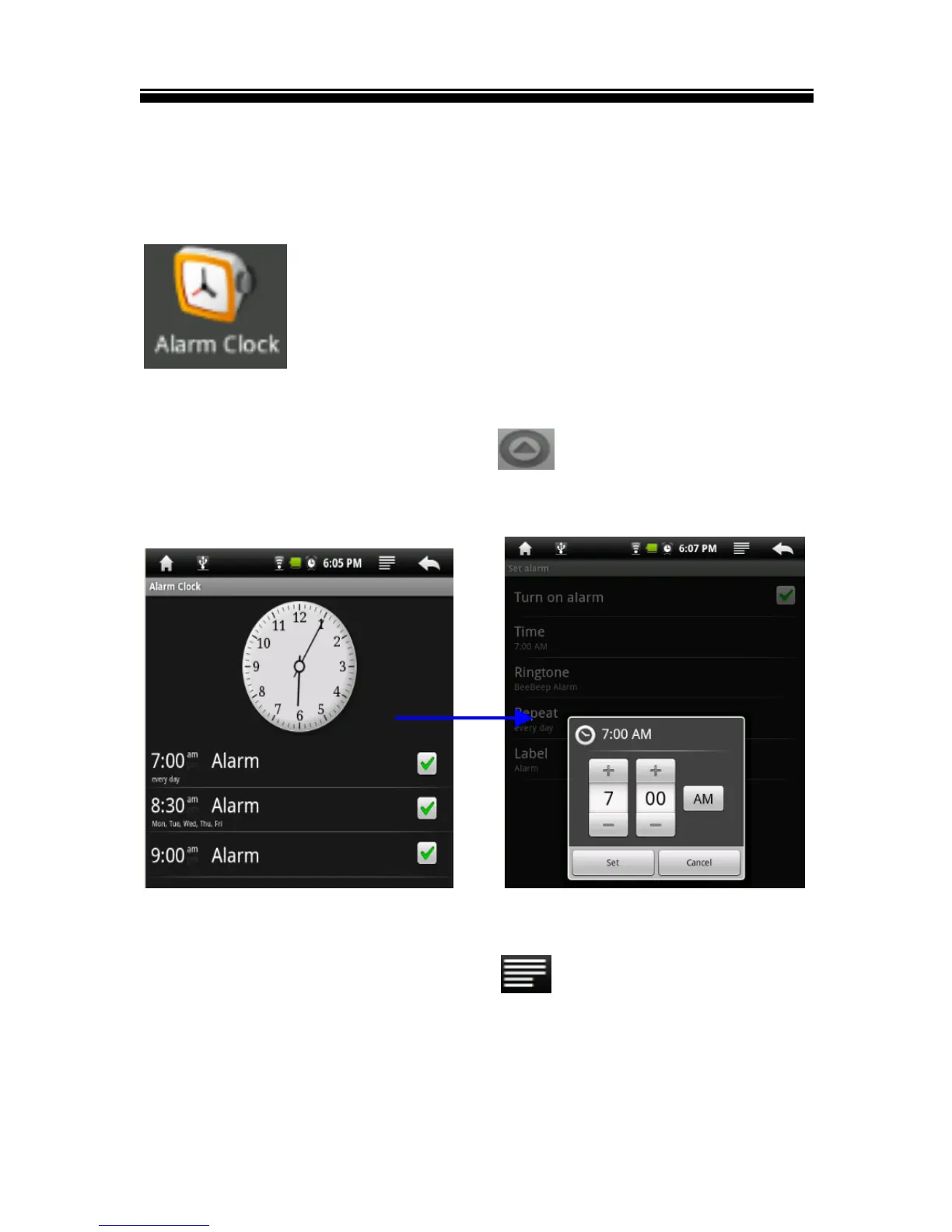
Set multiple alarms. Set each alarm to repeat on days you specify,
or to sound only once.
On the Home screen, tap the button to display the
applications, then tap Alarm Clock icon to start clock alarm
setting.
Set an alarm:
1 On clock setting screen, tap the button to display clock
menu, tap “Add alarm” to start to alarm setting.
2 Adjust any of the following settings:



 To Next Page