EasyManua.ls Logo

Aluratek AEBK08FB - Page 21

Aluratek AEBK08FB
50 pages
Print Icon
To Next Page IconTo Next Page
To Previous Page IconTo Previous Page
Loading...
Chapter 2: Getting Started
15
Display the lyrics and ID3
information
Tap
Add the current song to the
playlist
Tap
To return to the Media Library
Tap
Additional control
To set a customized sound effects, Tap .
To search the related information about the song from the
Internet, tap on the ID3 information bar
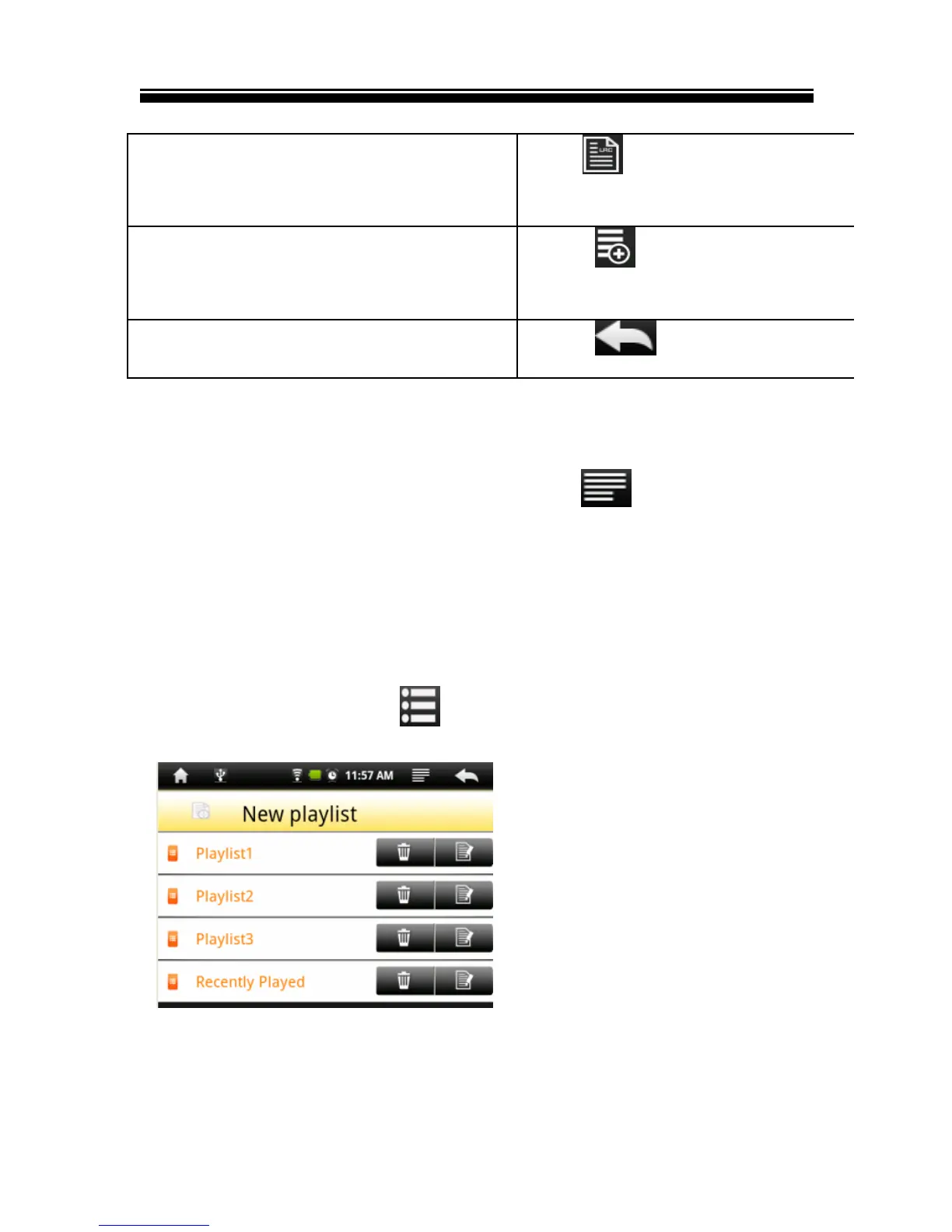
Using Playlists
Use the playlist to manage the songs in the unit.
In the media library, tap to show playlist screen
Create playlists


Related product manuals