1. You can use Libre Touch to receive or send e-mail. In Main
menu, tap the "Email." button
2. You will be prompted to set mail account, tap "Next" to begin
to setting.
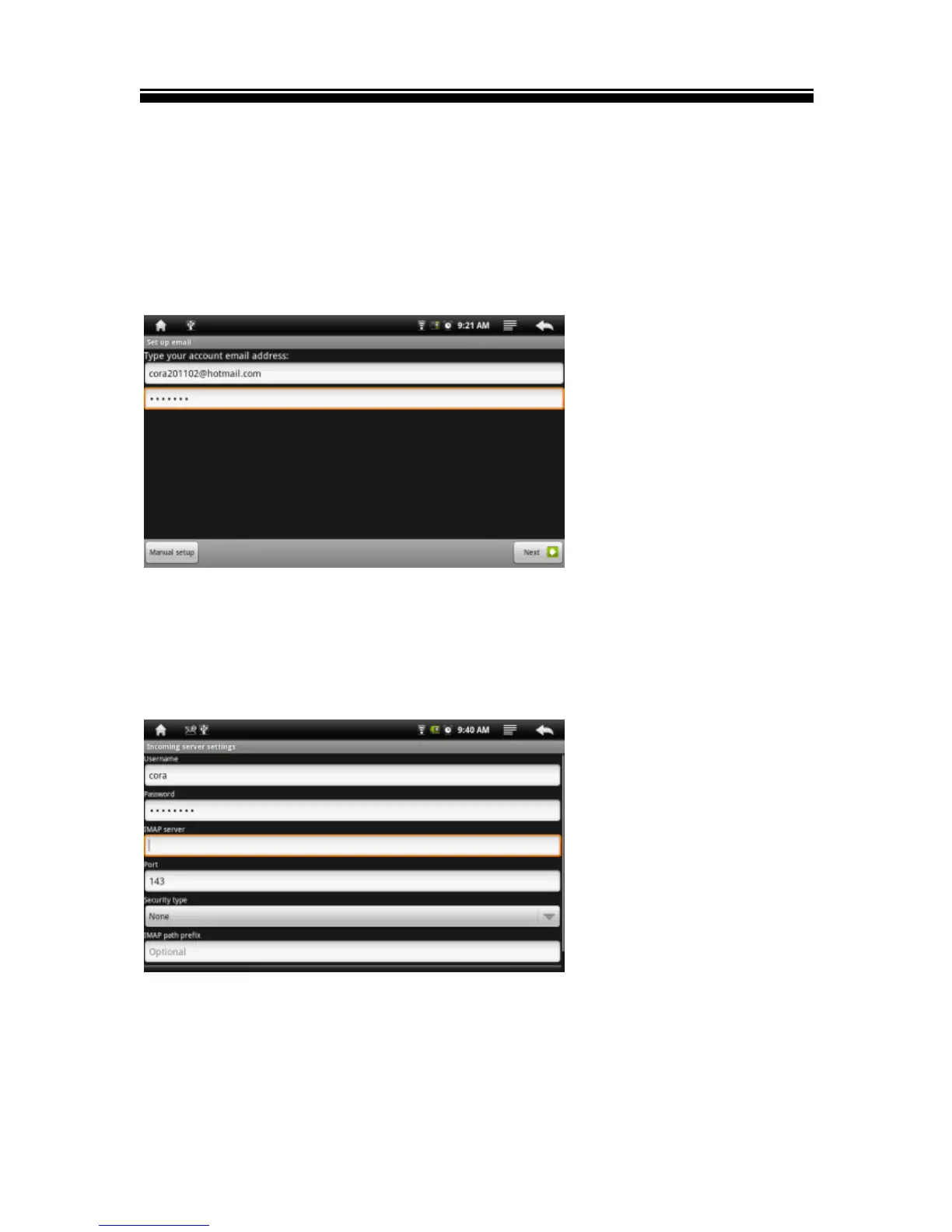
3. Enter your email address and password, tap "Next" to
continue.
4. Set mail P03/IMAP server, you can obtain the required
information from your network administrator. Tap "Next" to
continue, it will take a moment for the system to check the
server settings, if you set successfully, the system will prompt
"your account is set up, you can use it!"
5. Enter your name to be displayed, then tap "Finish", the system
will go to your Inbox, then you can read your e-mail.



 To Next Page